







To connect a window shade to a smart hub, confirm the exact motor, communication method, controller and supported integration. A cordless manual shade cannot be paired merely because its fabric appears in a smart-home article. A product family or radio logo is not a complete compatibility specification.
Compare motorized shade configurations for automation. Use manual cordless options when hands-on operation meets the need. Choose the fabric and lift first, then verify the control path.
1. Build a compatibility record
Before purchasing or pairing, record the model numbers rather than just the brand names.
| Component | Information to confirm |
|---|---|
| Shade assembly | Model, fabric, size and actual motor option |
| Motor | Exact identifier, power source and communication method |
| Bridge/gateway | Whether required, supported motors and capacity |
| Hub/platform | Exact model and supported integration path |
| Functions | Open/close, positions, feedback, groups and schedules as required |
| Dependencies | Network, internet, accounts and any ongoing service requirements |
Alexa, Google Home, Apple Home and other platforms can involve different connection paths. Do not treat the assistant's name as proof that a motor talks directly to every device carrying that name.
For an example of platform requirements, Apple's official home-hub guidance explains home-hub and Matter/Thread conditions. Use the current official instructions for your actual platform; this example does not establish compatibility for the products below.
2. Choose the shade for the room's task
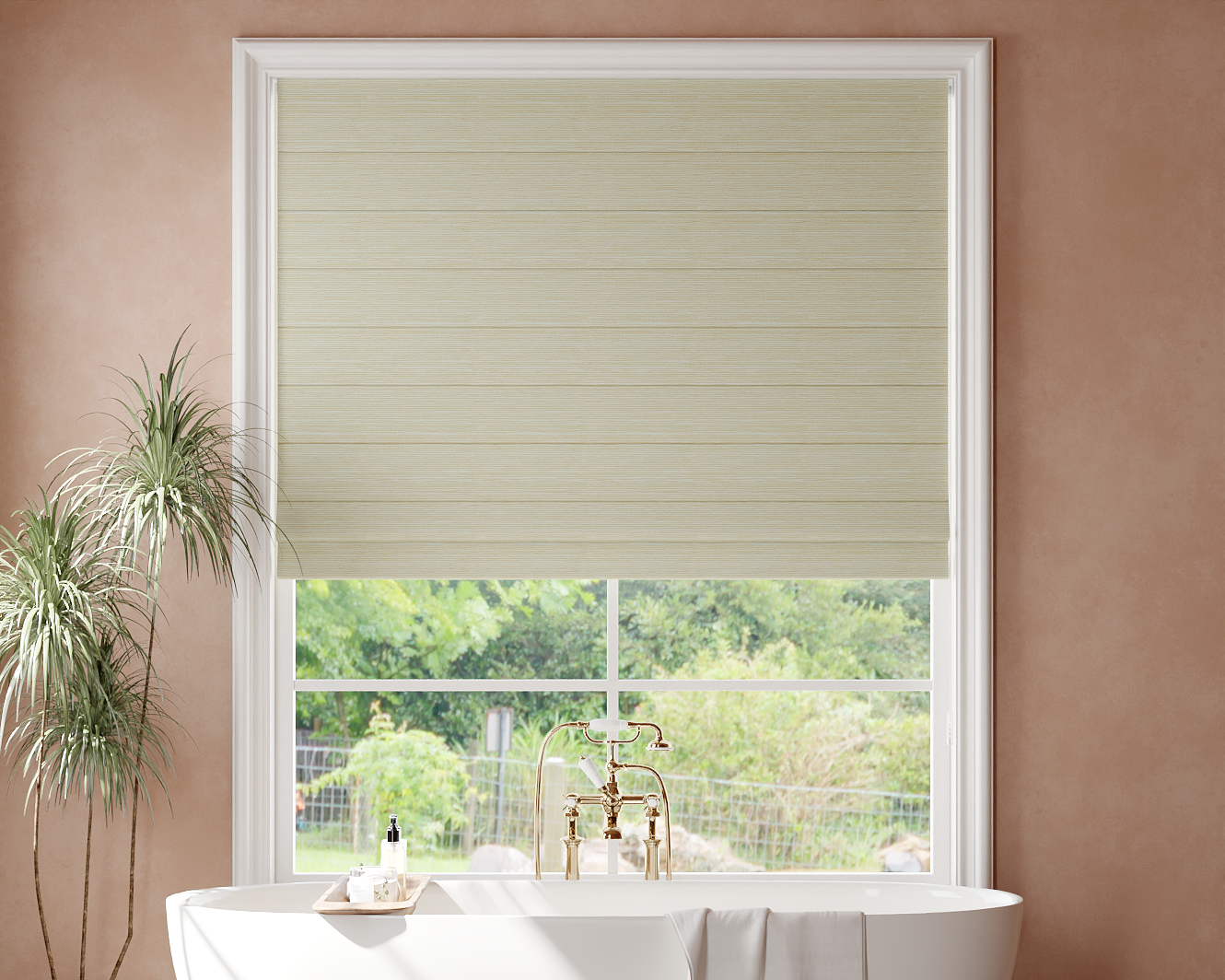
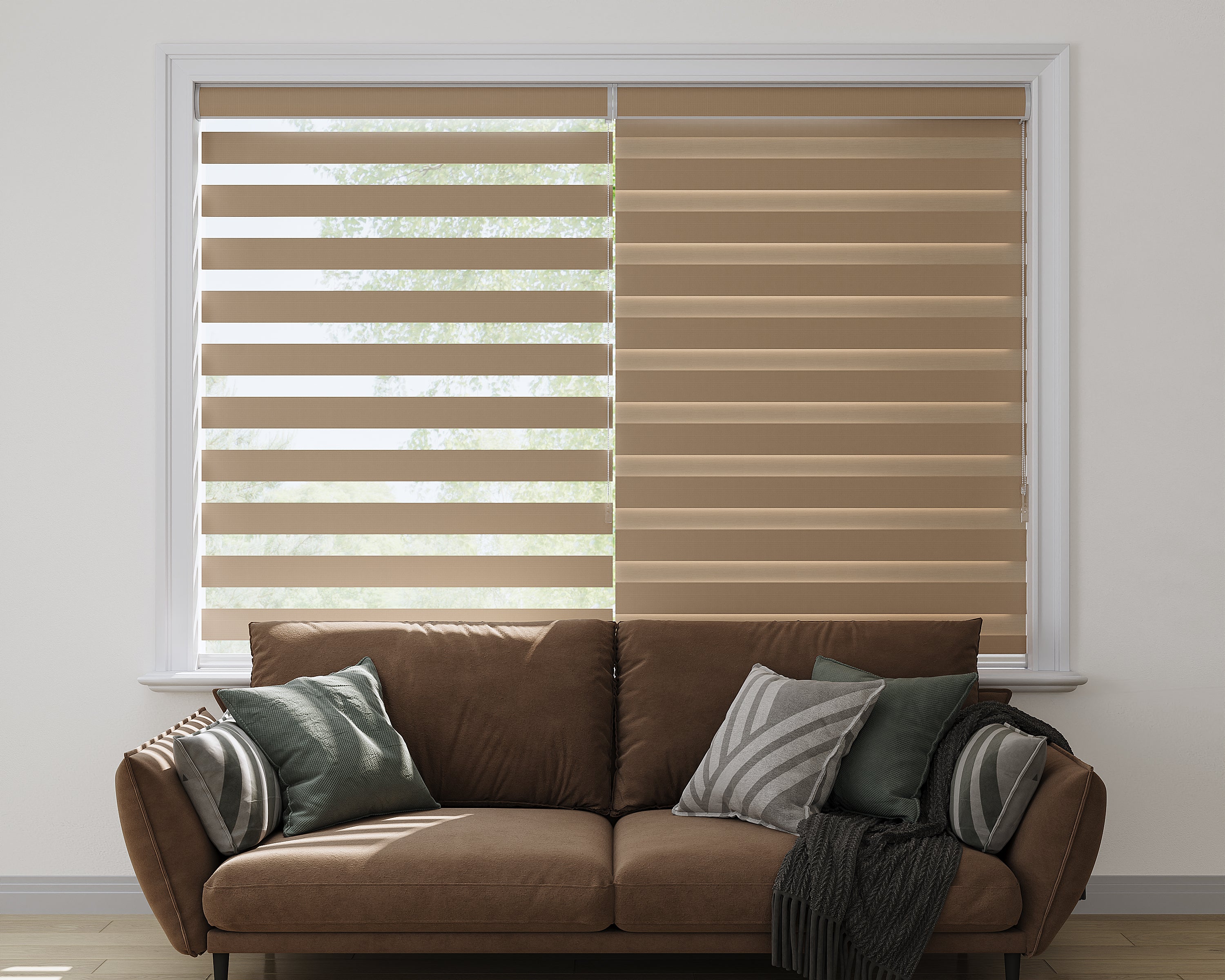
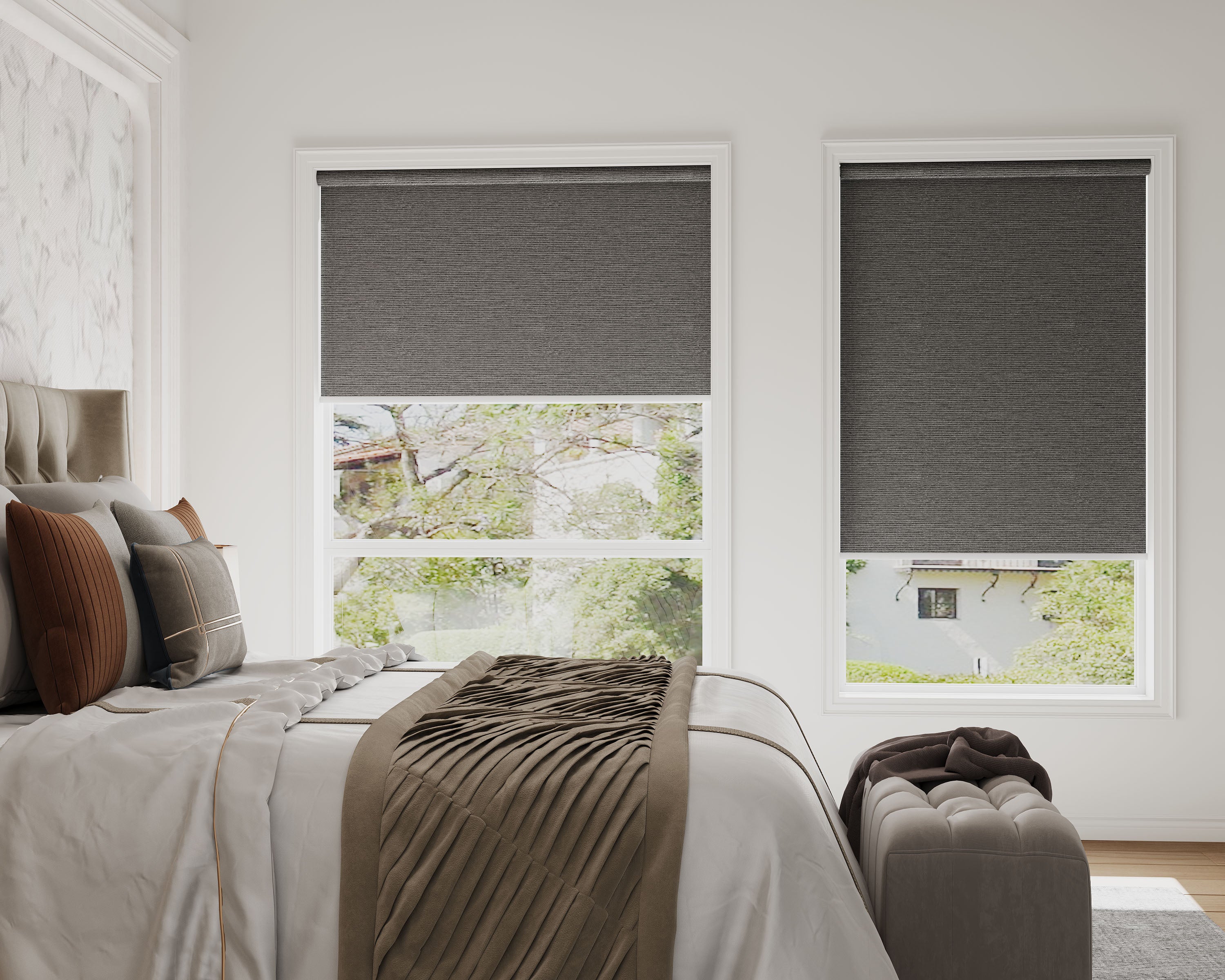
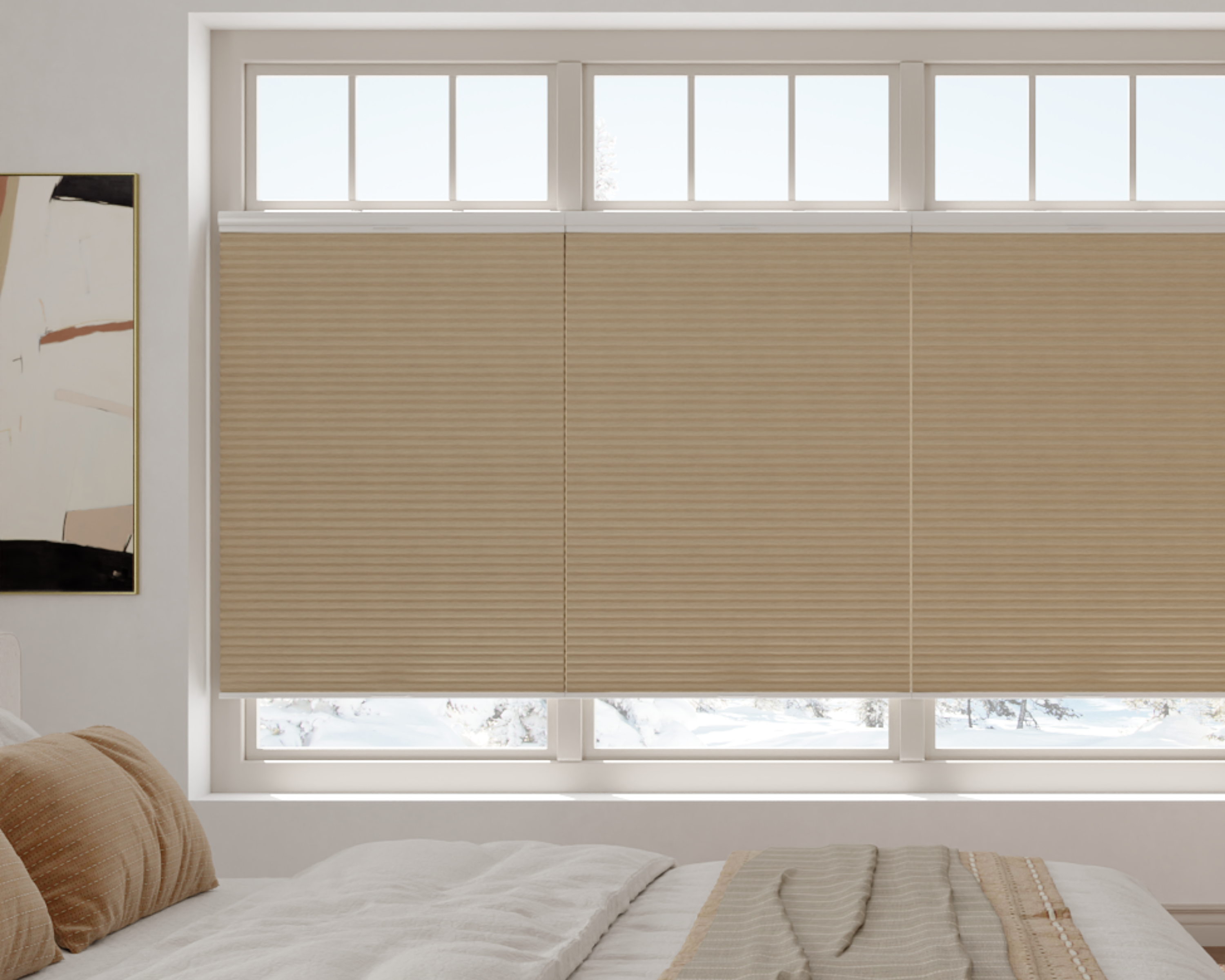
The following product destinations help compare coverings. They are not a list of independently verified hub-compatible configurations. Check the exact lift option and control documentation before ordering any item for automation.
| Room/light-control comparison | Product destinations |
|---|---|
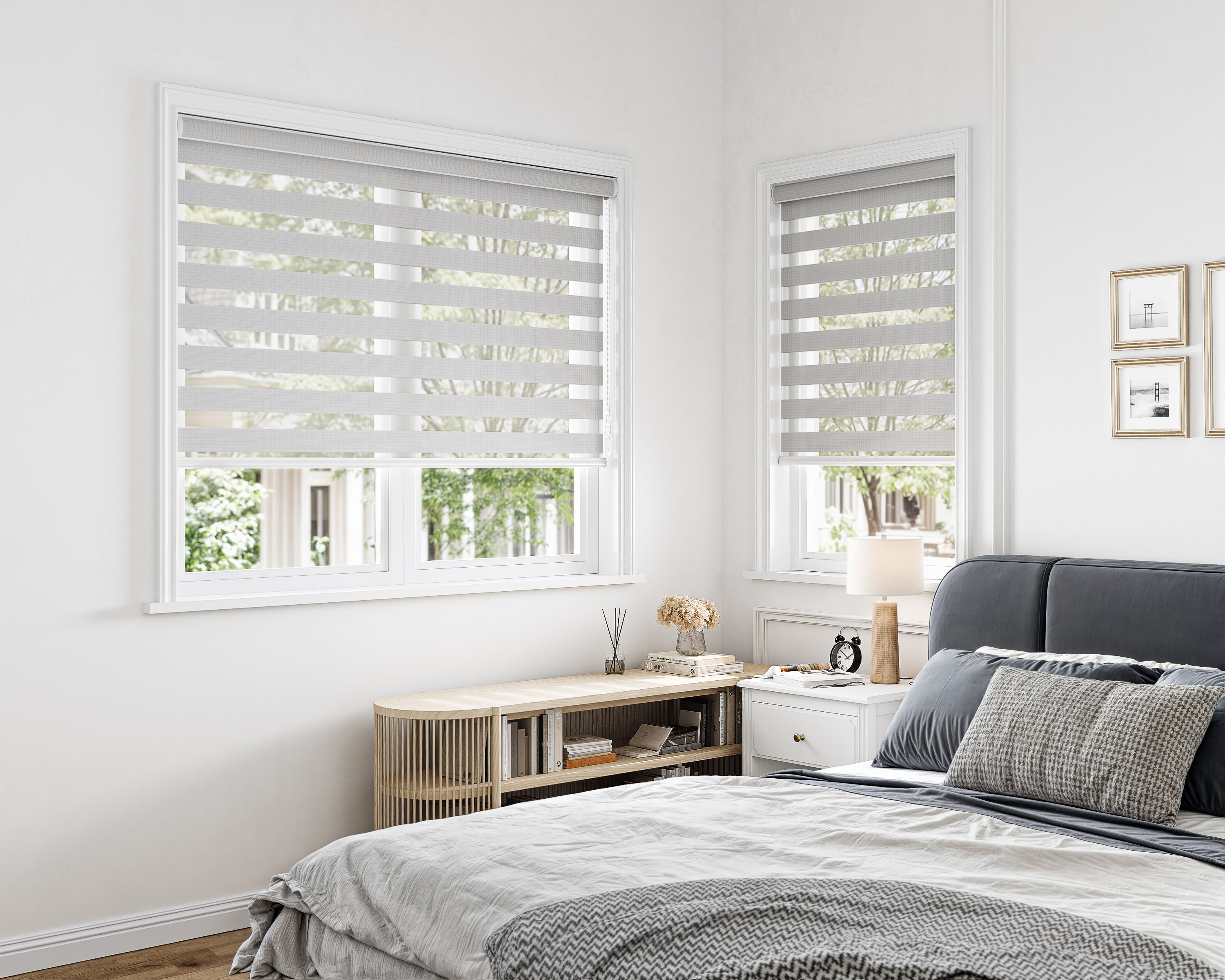
| Adjustable zebra bands | Room-darkening zebra, light-filtering zebra |
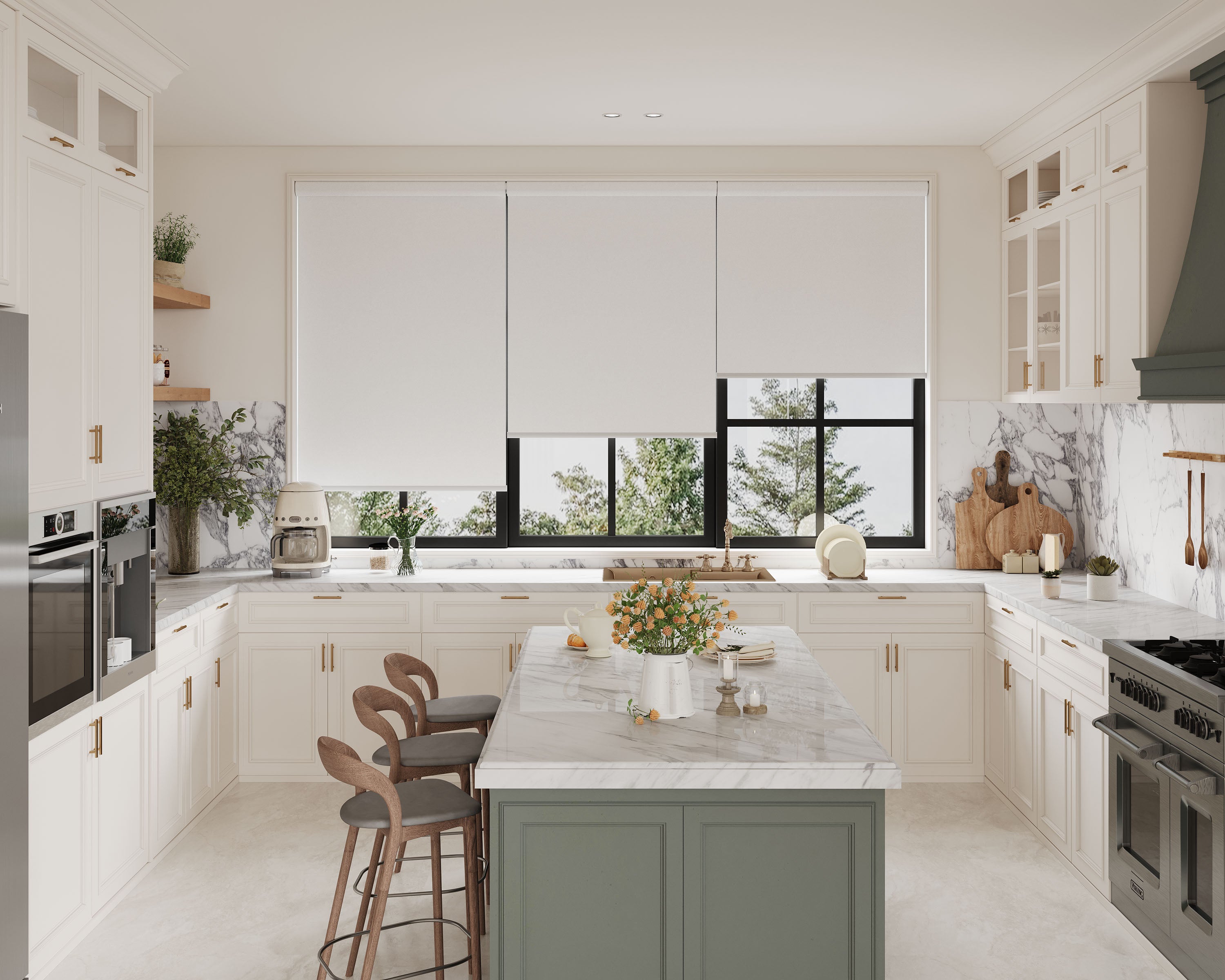
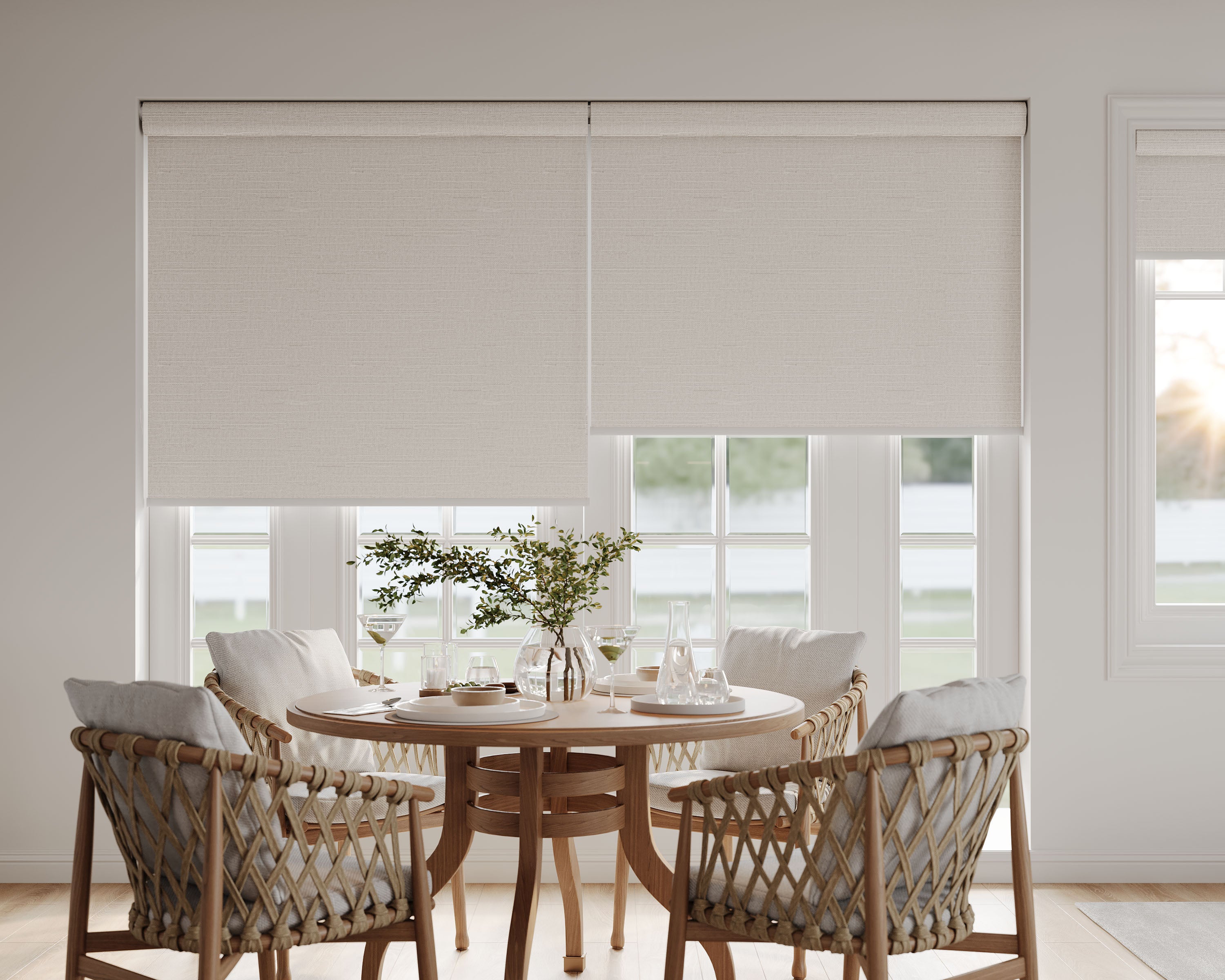
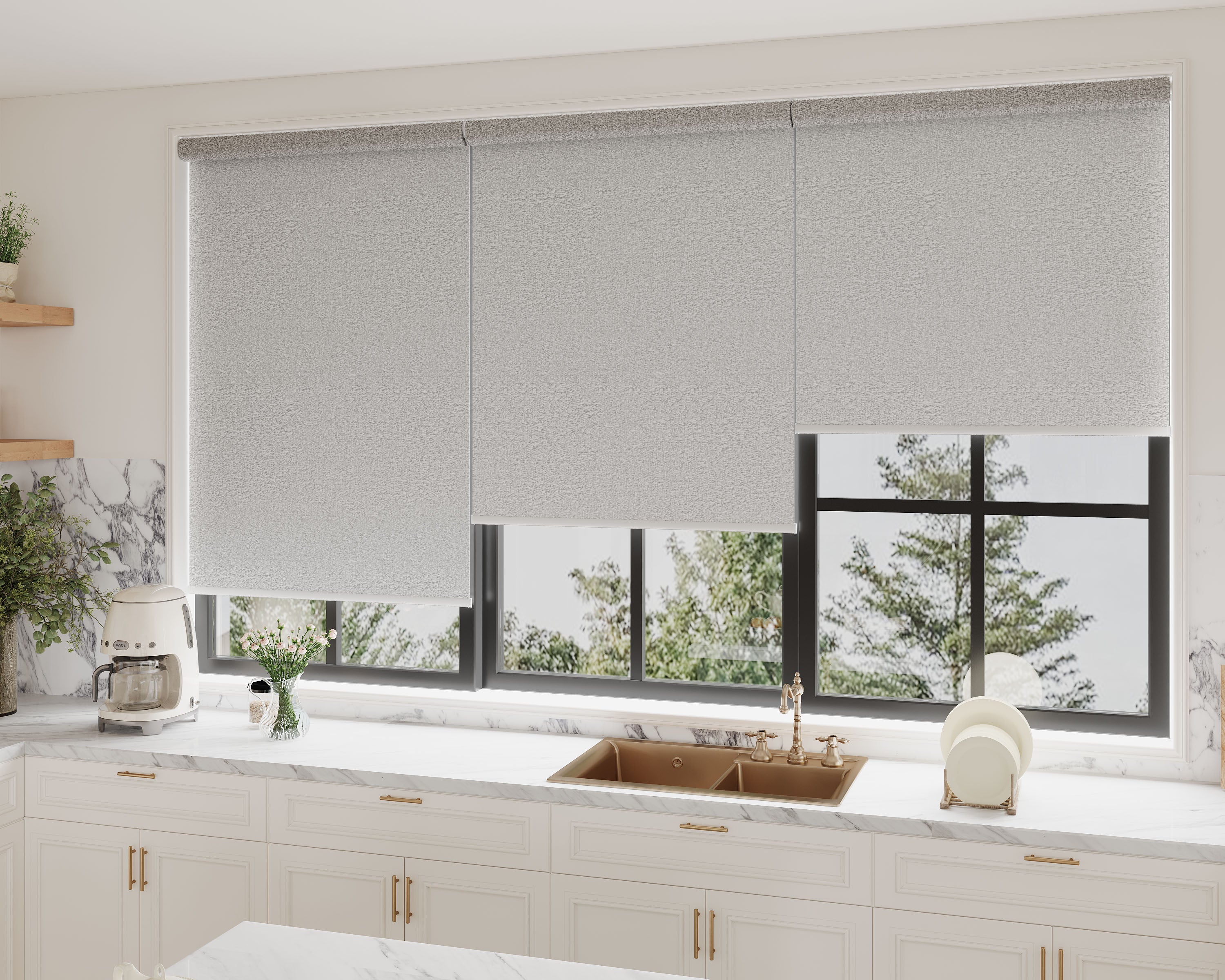
| Roller fabric choices | Light-filtering roller, blackout roller |
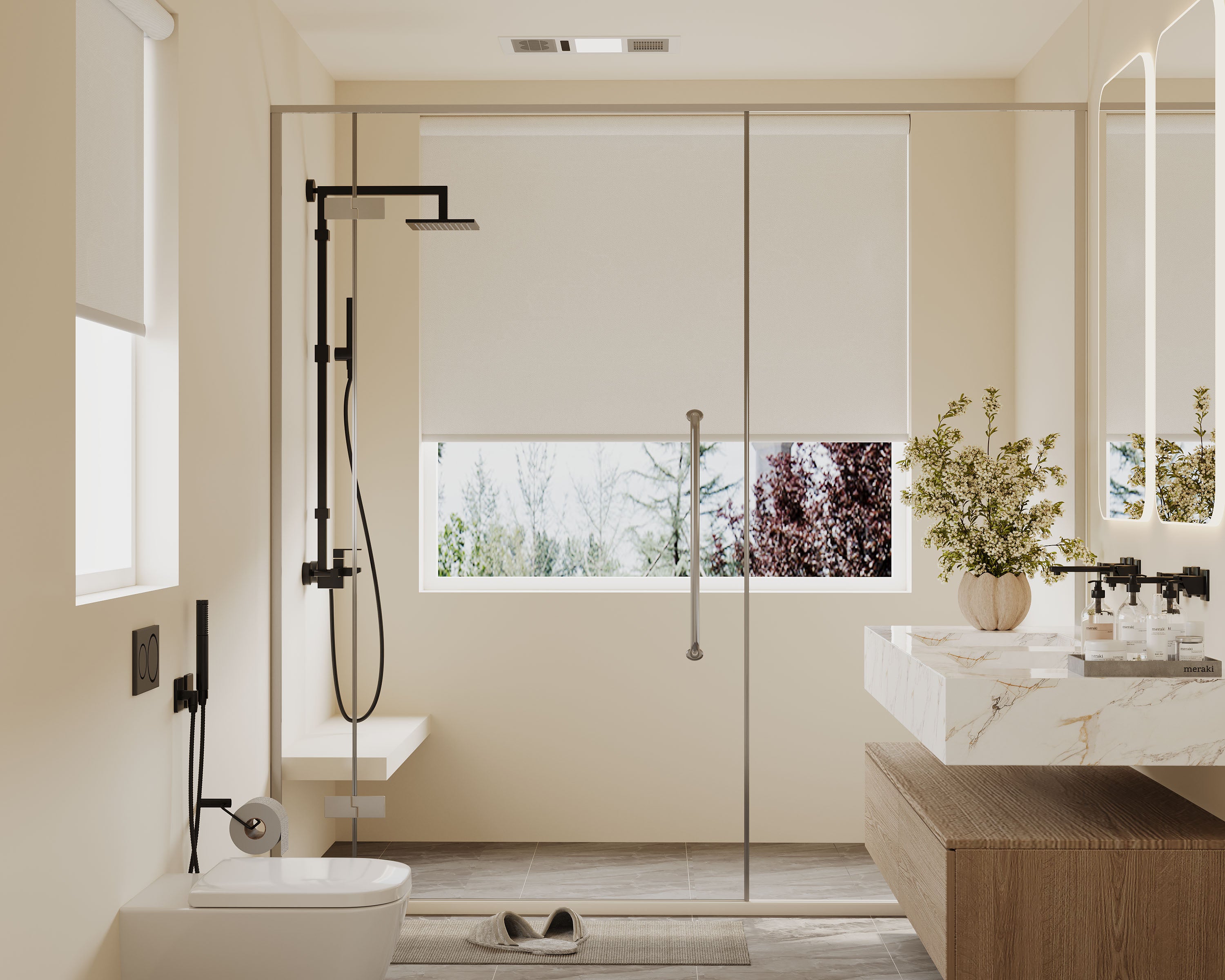
| Humid-room roller candidate | Waterproof blackout roller |
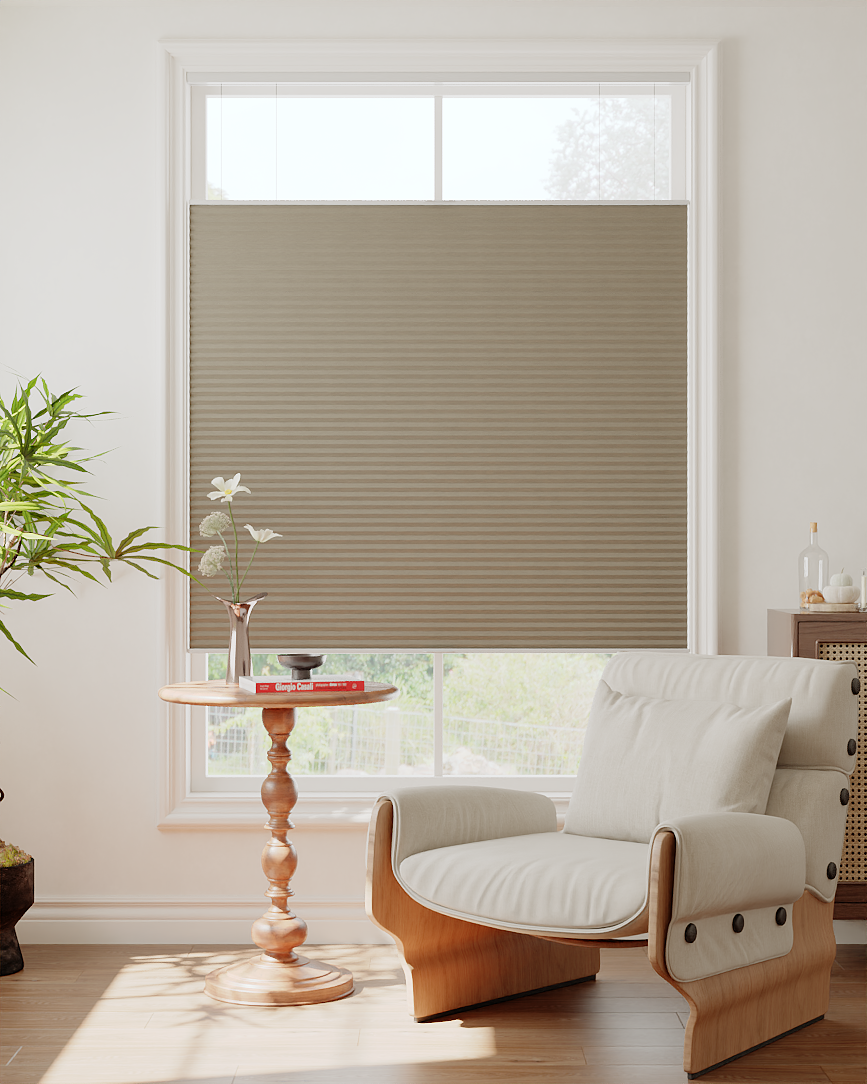
| Hands-on cellular lift comparisons | Cordless light-filtering cellular, cordless blackout cellular |
| Cellular coverage options | Light-filtering TDBU, blackout TDBU, day/night honeycomb |
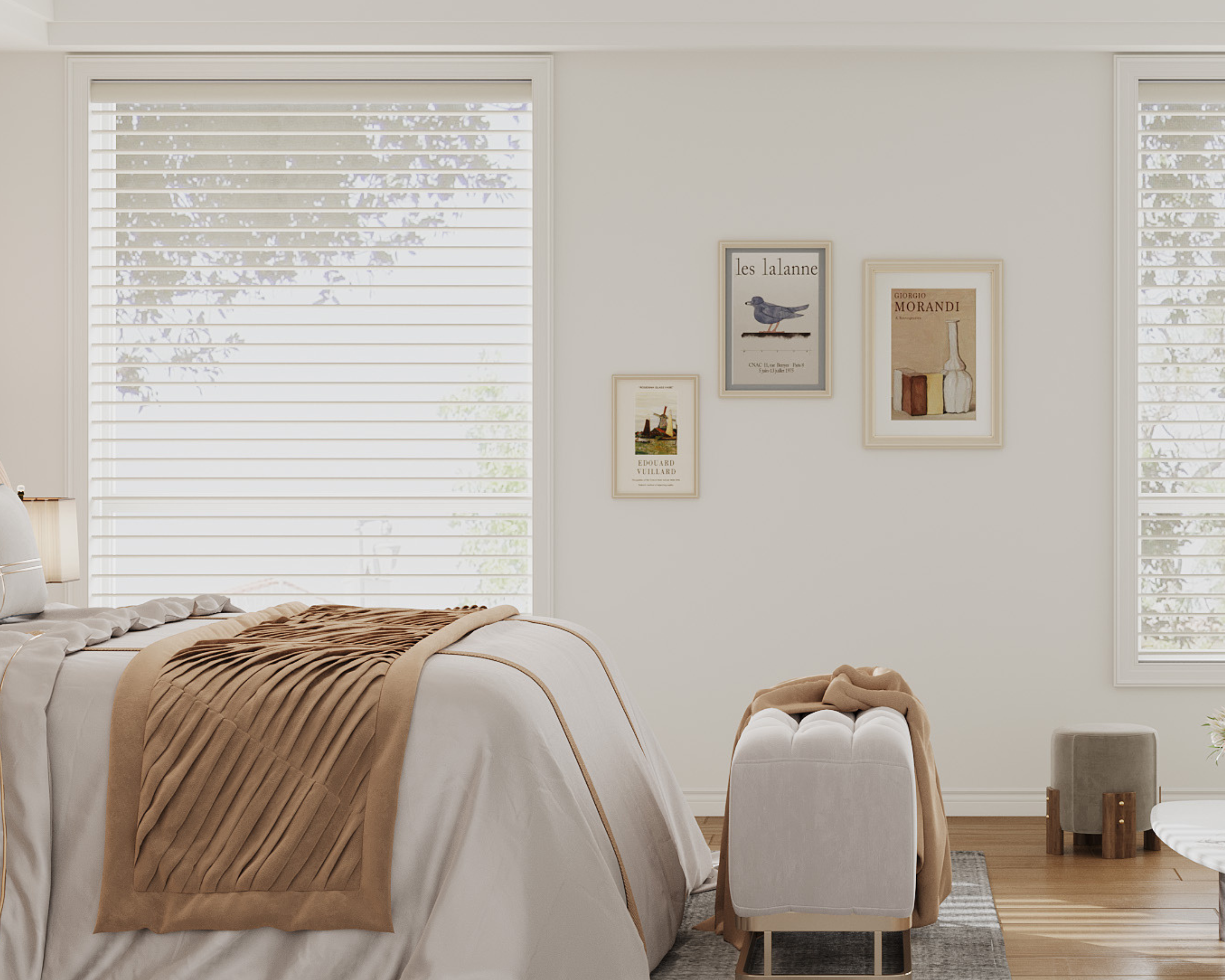
Fabric names describe starting light-control tasks. They do not establish a tested blocking percentage, acoustic result, chemical certificate or complete-room darkness. Assess nighttime privacy and edge coverage. For moisture exposure, confirm the fabric and whole assembly's suitability; a waterproof fabric label does not approve a motor or charger for shower spray.
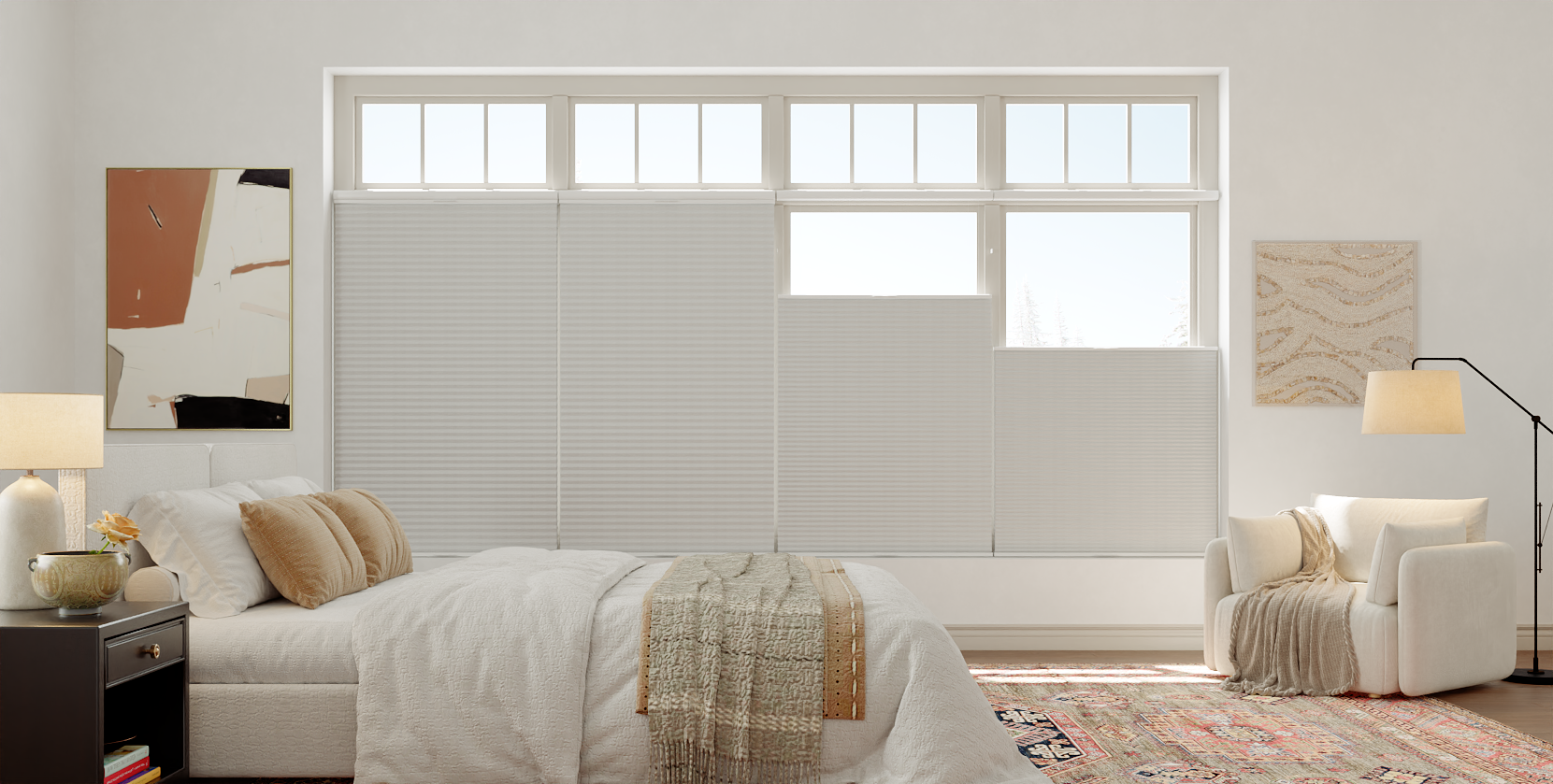
For TDBU, lowering the top rail exposes upper glass while screening the lower section. Confirm whether the exact available motorized configuration can move the required rails and whether the proposed platform exposes those actions.
Choose the guide that matches the motor you will order
Start with the compatibility record above, then use the path for the actual protocol. A remote-only motor, a Zigbee option and a Matter over Thread option are different configurations. The motor price, compatible hub/controller and included accessories should be explicit in the quote.
| Selected path | What to verify | Continue here |
|---|---|---|
| Matter over Thread | Exact motor, intended platform, controller and applicable Thread requirements | Matter over Thread setup checklist and compatible-option collection |
| Zigbee with the offered Tuya path | Exact motor and compatible Tuya gateway, account/app and required commands | Zigbee/Tuya gateway checklist and Zigbee motor options |
| Choosing between those paths | What equipment you already own and what control you need | Matter versus Zigbee motor comparison |
| Adding another Matter platform | Existing administrator, supported sharing flow and required actions in both apps | One Matter shade in multiple platforms |
| Home Assistant | Supported Matter Server installation, Thread path and actual exposed cover actions | Home Assistant verification checklist |
For cellular shades, confirm the cellular family's own remote and hub system rather than reusing another family's accessory assumptions. Save the confirmed motor and equipment identifiers with the order, then verify one shade's required commands before building groups or routines.
3. Establish local operation and safe mounting
Fit the shade according to its model-specific instructions and use only its approved power equipment. Confirm the supported local control works before adding a hub. A mechanical or power fault is not necessarily an integration problem.
Follow CPSC cordless guidance where young children live or visit, and keep power/charging cables inaccessible. Automation does not correct insecure mounting or remove every physical hazard.
Do not fit a generic retrofit motor, wire a control module or pull a motorized rail by hand based on an assumed universal method. Confirm an actual supported retrofit before altering existing equipment.
4. Connect through the documented integration
Use the official app and integration instructions for the verified equipment combination. Confirm account ownership and required permissions. Add one shade first and give it a clear room/opening name.
Test the supported actions individually. Check the physical shade rather than assuming an app's target position is confirmed feedback. An “open” percentage may be displayed differently across systems; verify what the control means before using it in a routine.
Then test independent control and any intended group. Group commands do not guarantee identical speed or perfect band alignment between shades. Check the expected behavior during loss of internet or local network access and retain a supported override.
5. Add one useful routine and document it
Begin with a simple time-based movement suited to the room, where supported. Verify the time zone and actual result. Add sensors, voice scenes or other devices only after confirming the required trigger and action are available.
Avoid promising a fixed energy reduction or a sleep/security outcome from a routine. Keep privacy needs explicit: a schedule that leaves a street-facing room exposed at night is not useful merely because the connection works.
If pairing fails, preserve the model details, error and working local-control result before seeking support. Avoid generic factory resets that may erase limits or working connections. Keep the final equipment list and setup record with the motorized shade order for future service.
