
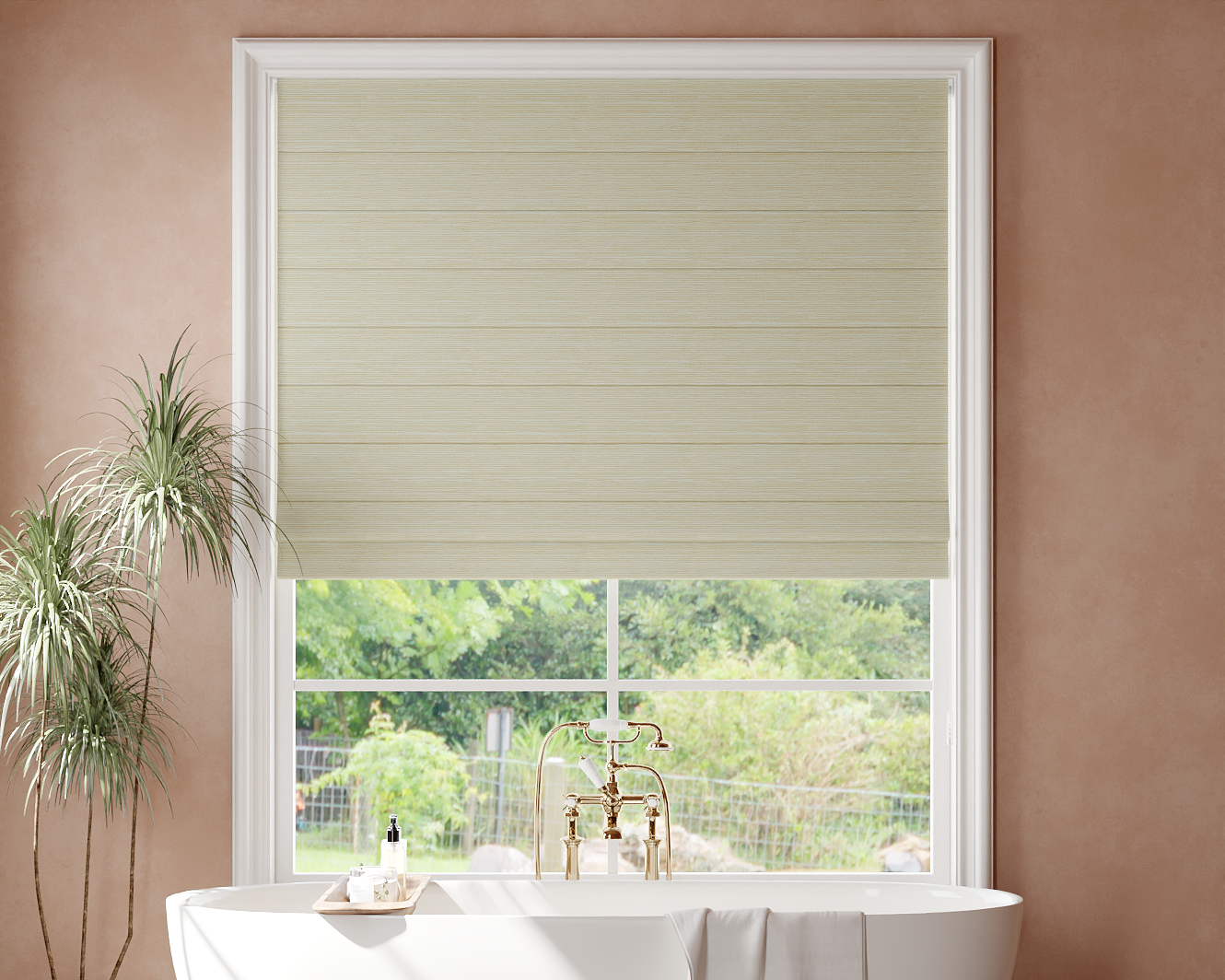
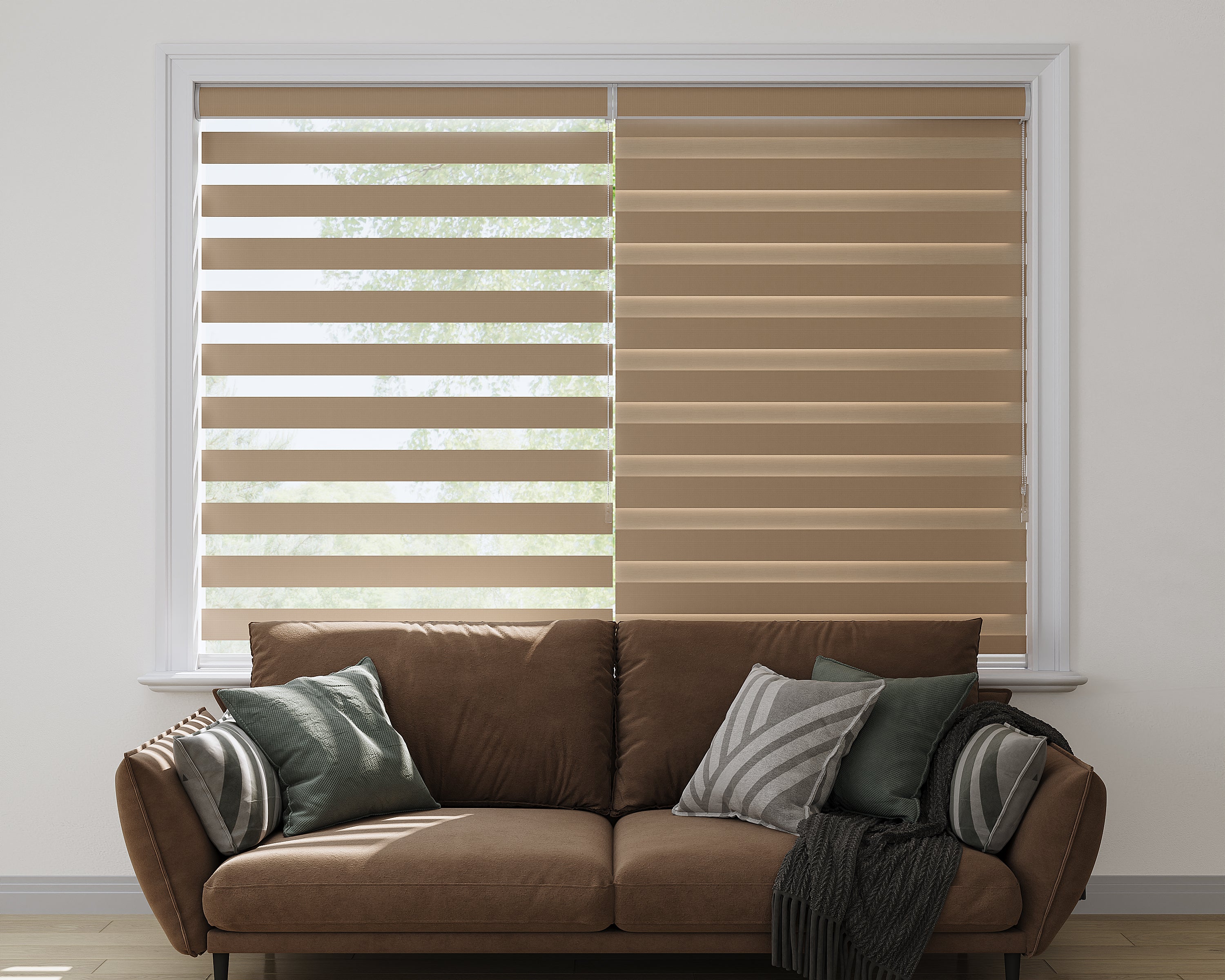
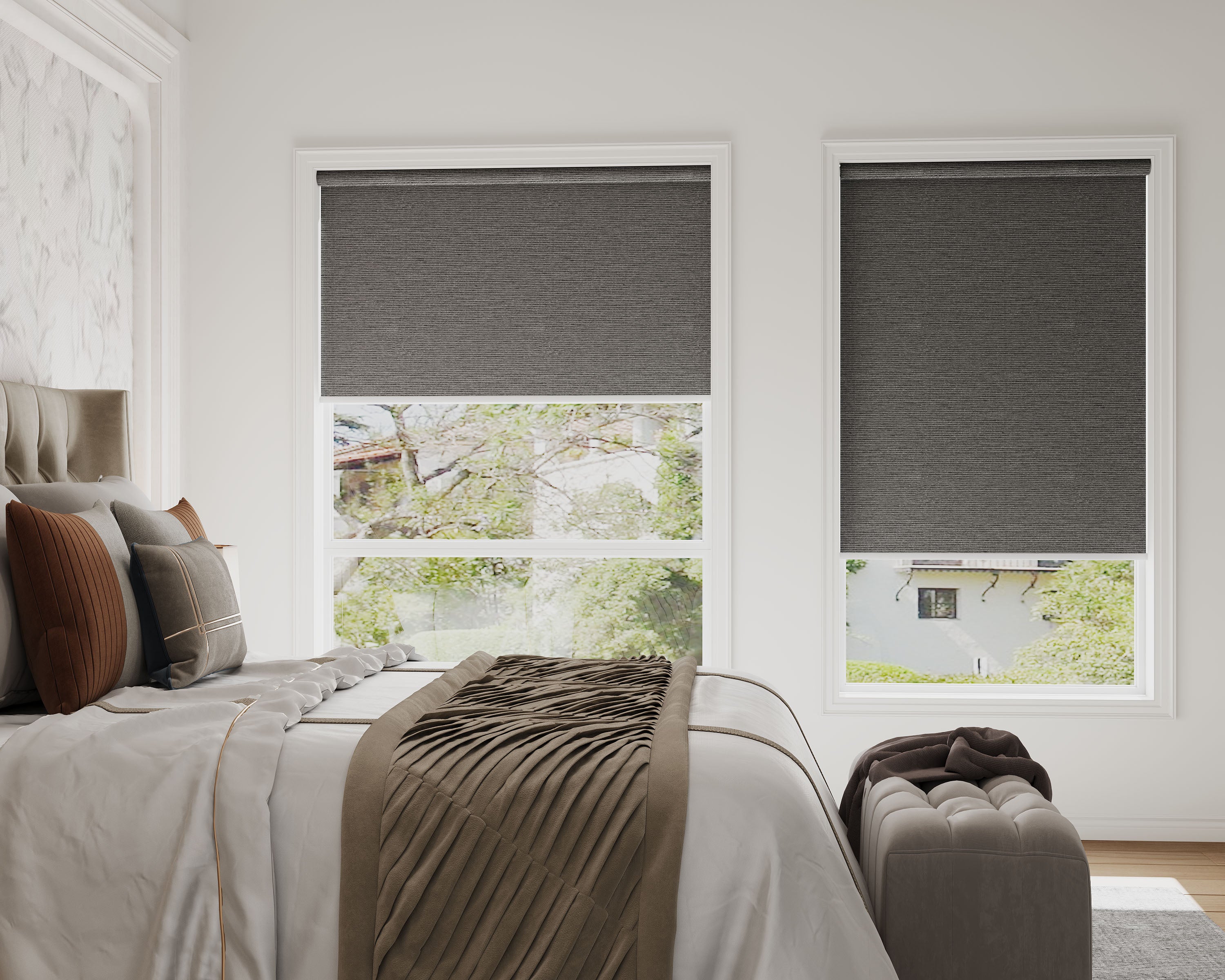
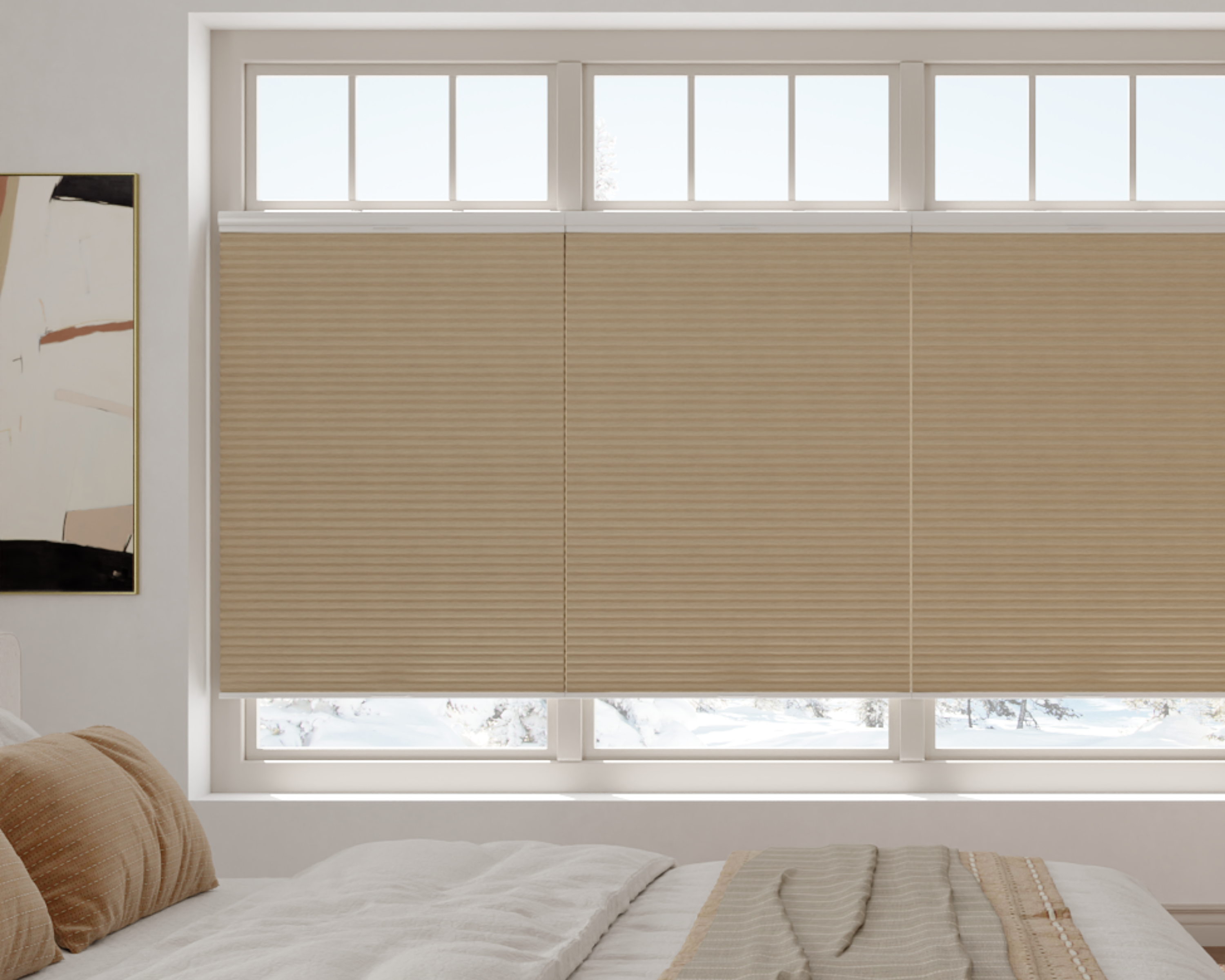







To use Matter window shades in Home Assistant, verify both the Home Assistant installation and the exact shade motor, then test the cover actions the integration actually exposes. An offered Matter option is a reason to investigate the connection; it is not a record of a completed integration test for every shade configuration.
This is a preparation and acceptance checklist. It does not provide unverified SenseBlinds motor button sequences or claim that a particular two-rail arrangement has been tested in Home Assistant. Use the motorized-shade compatibility checklist to record the selected motor and obtain its current instructions before installation.
Choose the supported Home Assistant path
Home Assistant's current Matter documentation identifies Home Assistant OS with the official Matter Server app as the supported path. A standalone Docker Matter Server is an unsupported advanced arrangement, not an equivalent beginner setup. Confirm the installation type before following a guide.
Prepare a current Companion app and follow the official instructions for either adding a new device or sharing one already connected elsewhere. Keep those two situations distinct. If the shade already works in another platform, investigate the supported sharing route before considering a hardware reset.
Build an installation record before touching the motor: Home Assistant version and type, Matter Server status, phone/app version and the intended device name. This record makes a failed addition easier to describe without changing several variables at once.
Check Thread as a separate network requirement
Matter describes the control connection; Thread supplies the transport for a Matter over Thread motor. Identify the actual Thread border router and network rather than treating a generic USB radio, Wi-Fi router or smart speaker as interchangeable.
The official Thread integration guide explains border-router roles and Thread network credentials. Follow that documentation for your existing network. If you already use another platform's border router, document it before creating another network or changing credentials. A second border router is not automatically the remedy for a pairing failure.
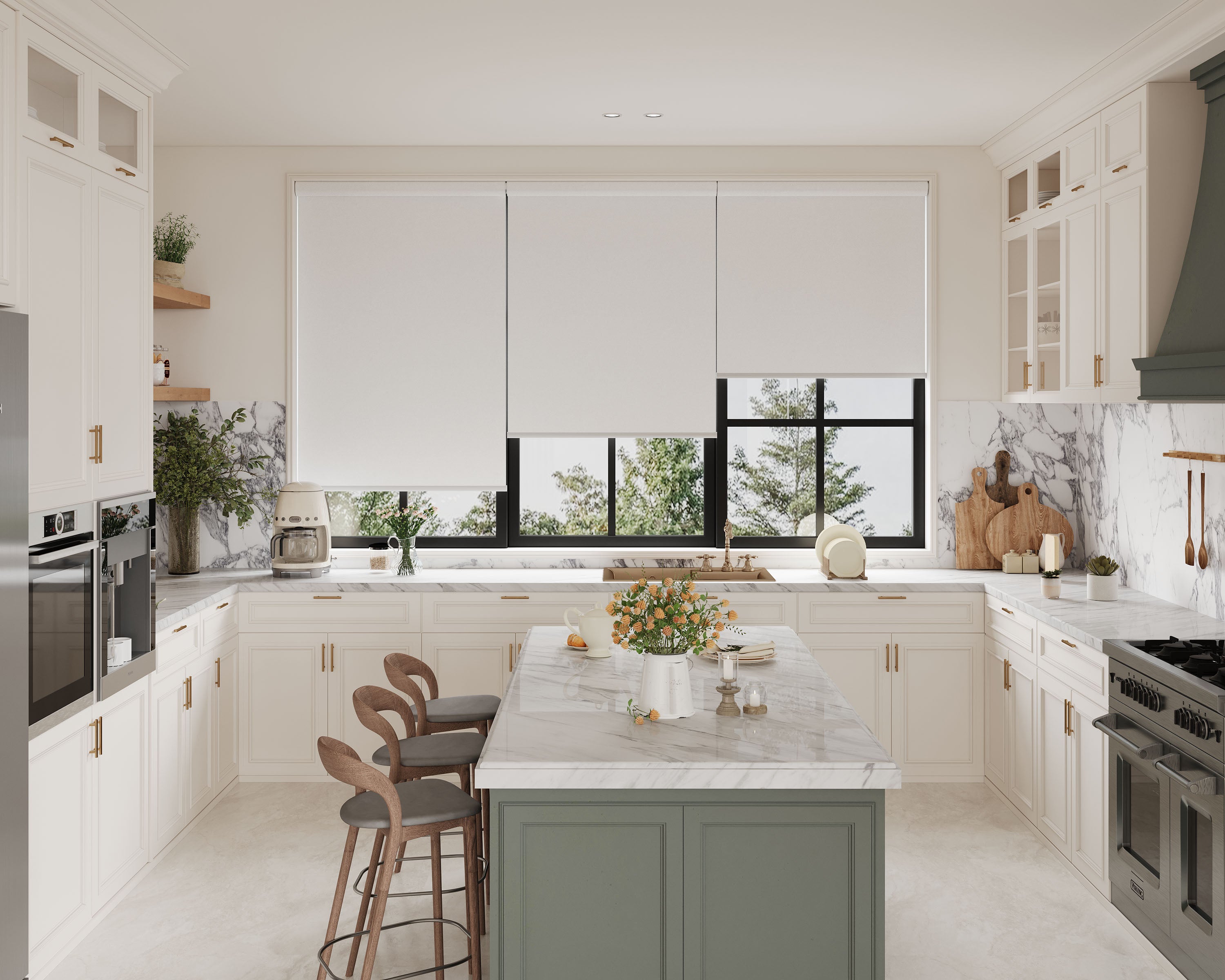
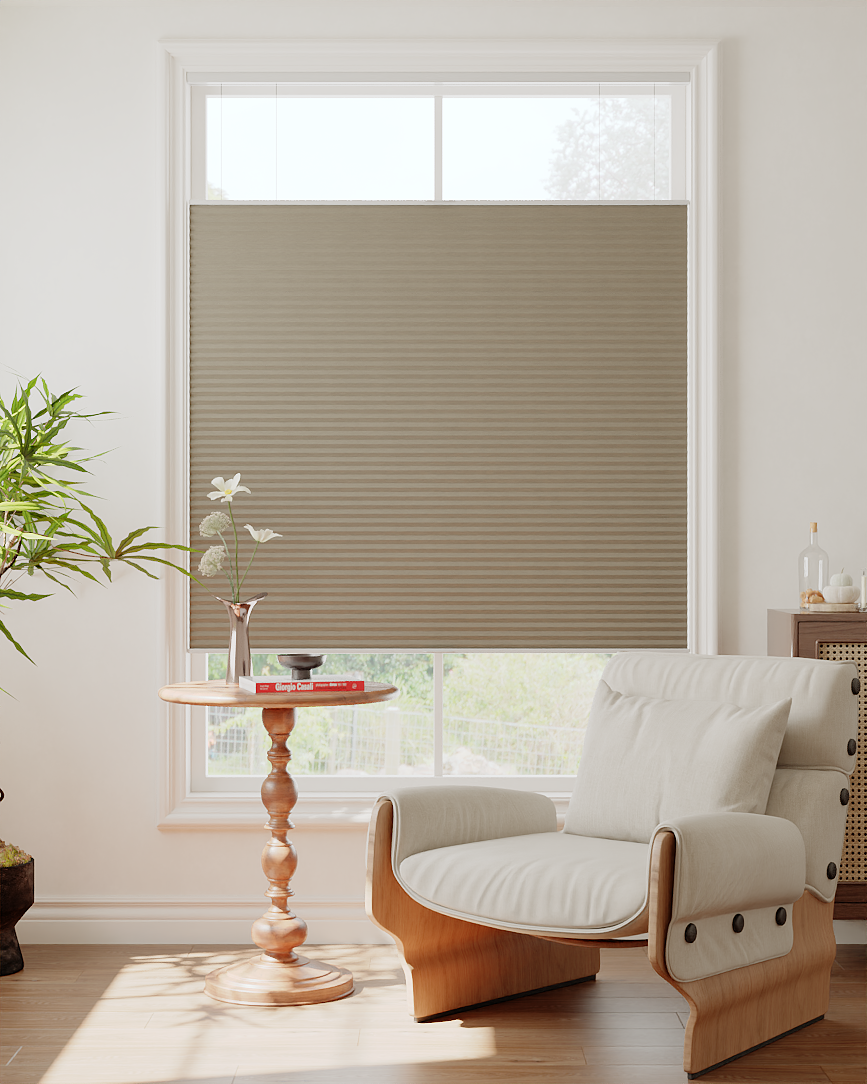
For a new purchase, ask the supplier which motor configuration and controller requirements apply. The motorized blackout cellular listing offers an optional Matter over Thread motor. That listing does not identify a tested Home Assistant firmware combination or guarantee all exposed actions in your installation.
Add or share the documented configuration
Begin with the shade mechanically installed and operating through its approved control. Retain a private copy of the setup information supplied with the selected motor. Do not post pairing codes in support forums or use a different brand's reset timing to make the shade discoverable.
- Record a baseline. Note the known working control, shade limits and any supported rail movements.
- Follow the right official flow. Choose new-device addition for a new accessory or sharing for an accessory already in use.
- Use the exact motor instructions. Let those instructions determine any required hardware action.
- Identify the physical window. Give the new device a clear name and area. Confirm which shade moves before creating a group.
- Retest existing control. Keep the supplied remote or first platform working while evaluating Home Assistant.
If addition fails, preserve the error text and the stage at which it occurred. Check the documented prerequisites before removing connections or changing calibration. A failure to discover the device, a failure to complete addition and a missing movement command are different symptoms.
Verify cover actions and state feedback
Home Assistant's cover documentation describes the common interface provided by device integrations. You do not add “cover” as a substitute for the Matter connection. The available actions depend on the actual device integration.
Use a result table for one shade. Write “not exposed” where an action is absent rather than assuming it should work because another cover device supports it.
| Action or observation | What to record |
|---|---|
| Open and close | Physical direction, final position and reported state |
| Stop, if exposed | Whether movement stops as requested |
| Intermediate position, if exposed | Requested value, actual coverage and reported value |
| Movement from a remote | Whether the Home Assistant state later reflects it |
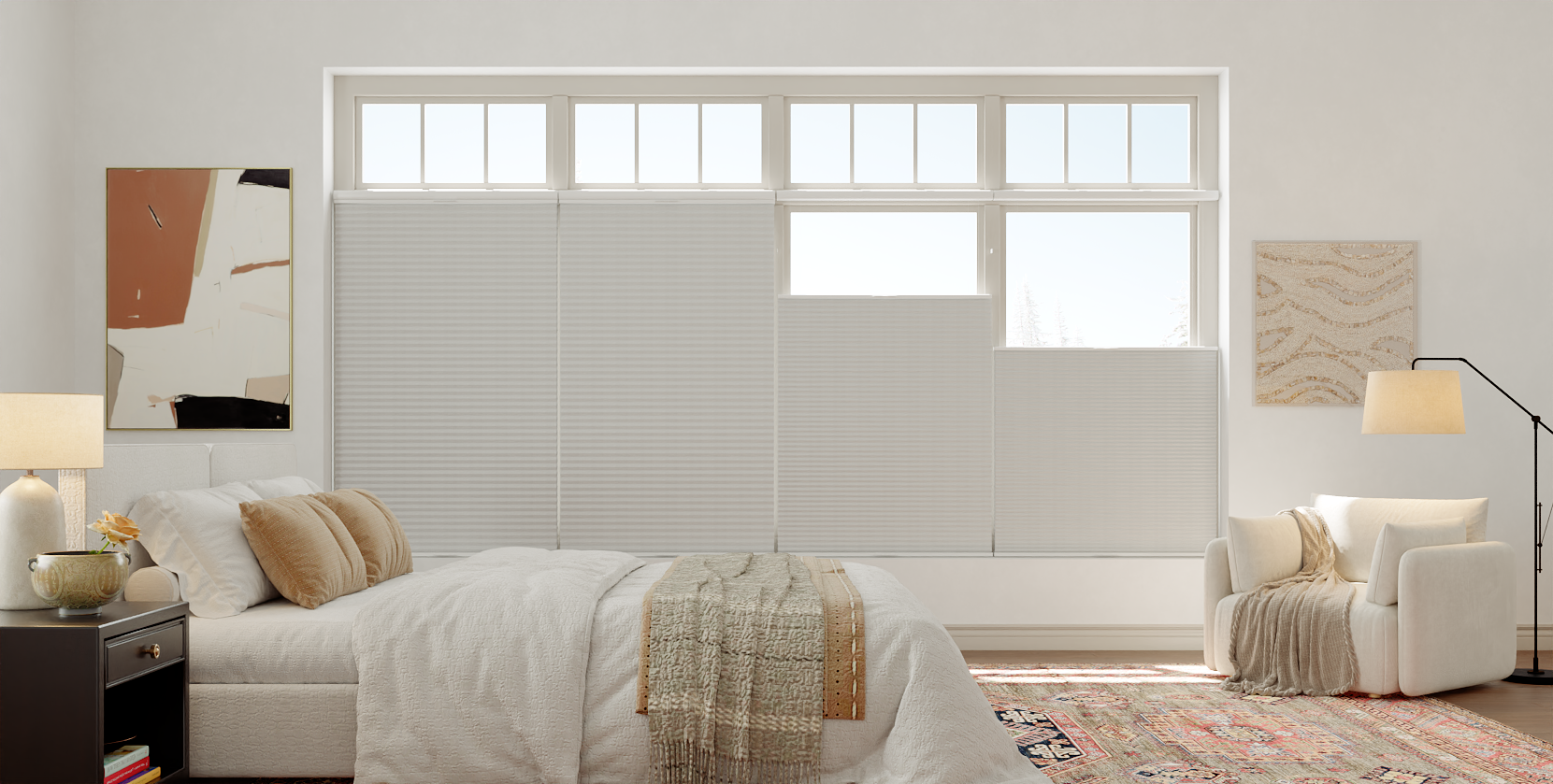
| Two-rail behavior, if relevant | Which individual movements are exposed and which remain unavailable |
| One simple routine | Trigger, action and observed outcome |
Keep fabric movement separate from app terminology. If the interface's percentage direction surprises you, record the physical result before changing anything. Do not assume that a single position control represents independent upper and lower rail control.
Save diagnostics before making destructive changes
Use the integration's documented diagnostic options and keep the relevant error, versions and time of the event. Review files before sharing them outside your household. A concise support report should explain what works, what fails and what changed, without including private setup codes or account details.
For example, “The remote opens and closes the shade, Home Assistant added the device, but no intermediate-position action is exposed” is more useful than “Matter does not work.” It identifies the remaining question without erasing a successful connection.
Browse current Matter over Thread configurations with an acceptance list for the functions you need. Confirm the selected motor and cellular-specific controls before ordering, then retain your installation and result records. A checked configuration is a sounder basis for expansion than assuming protocol support guarantees every shade feature.
