
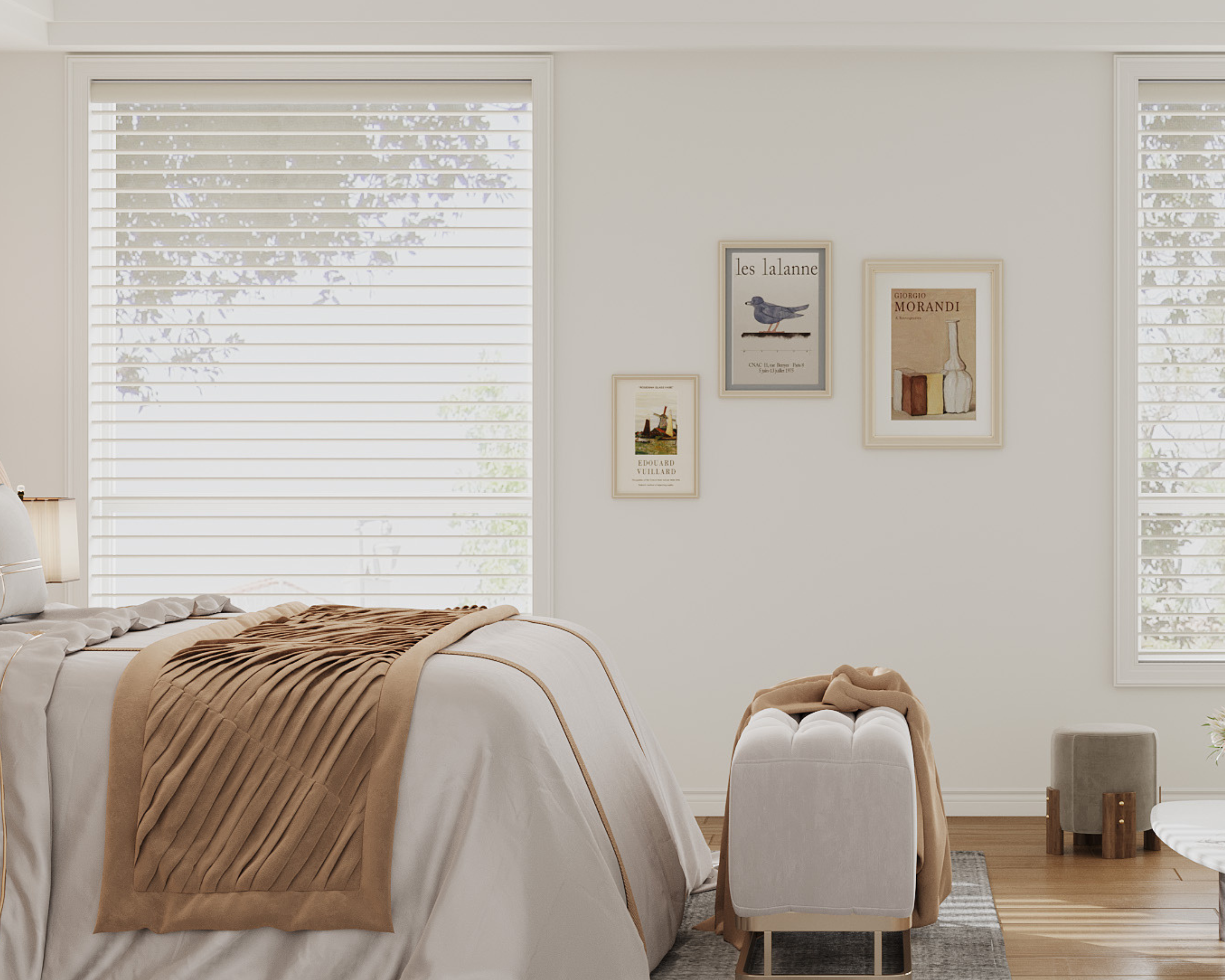
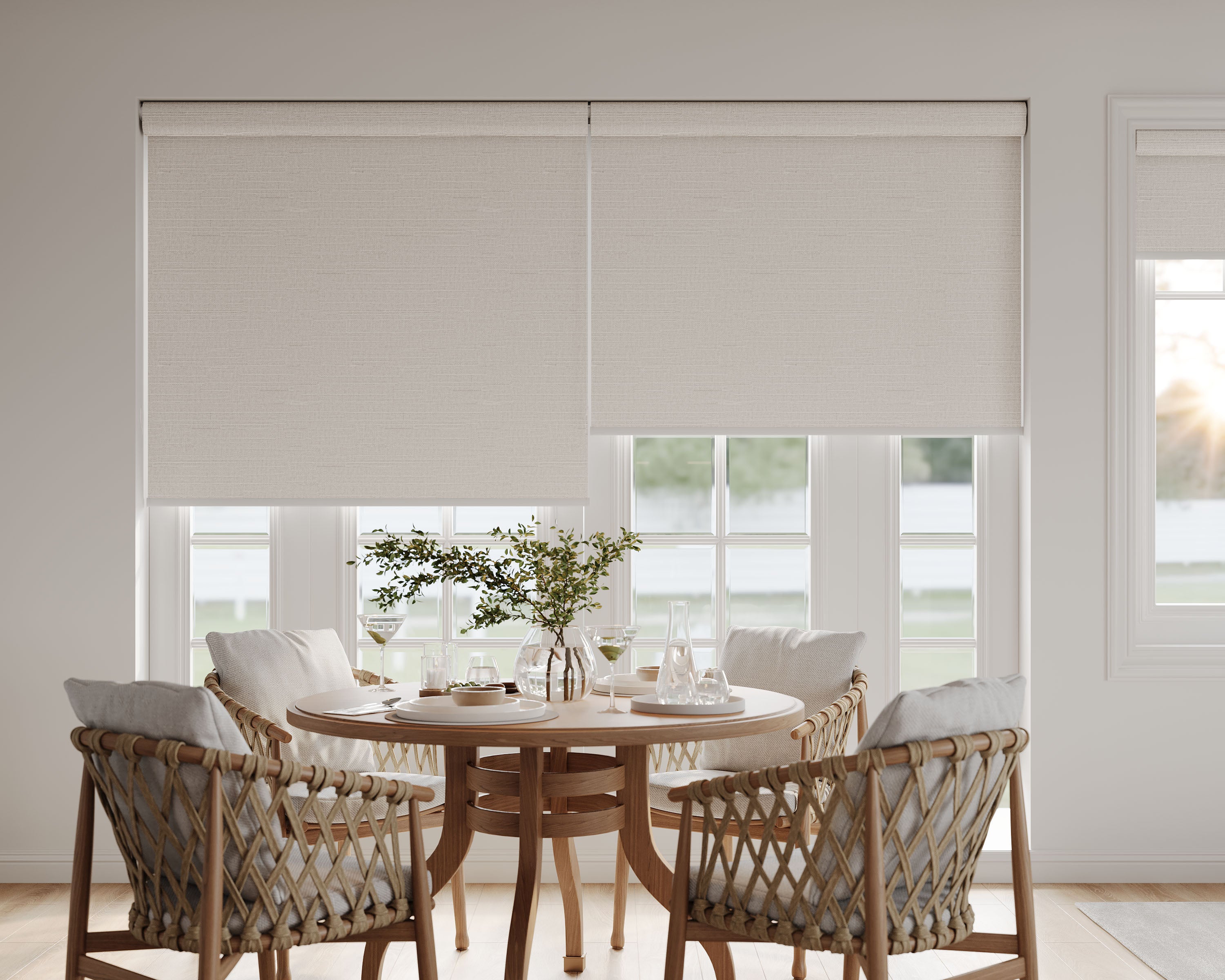




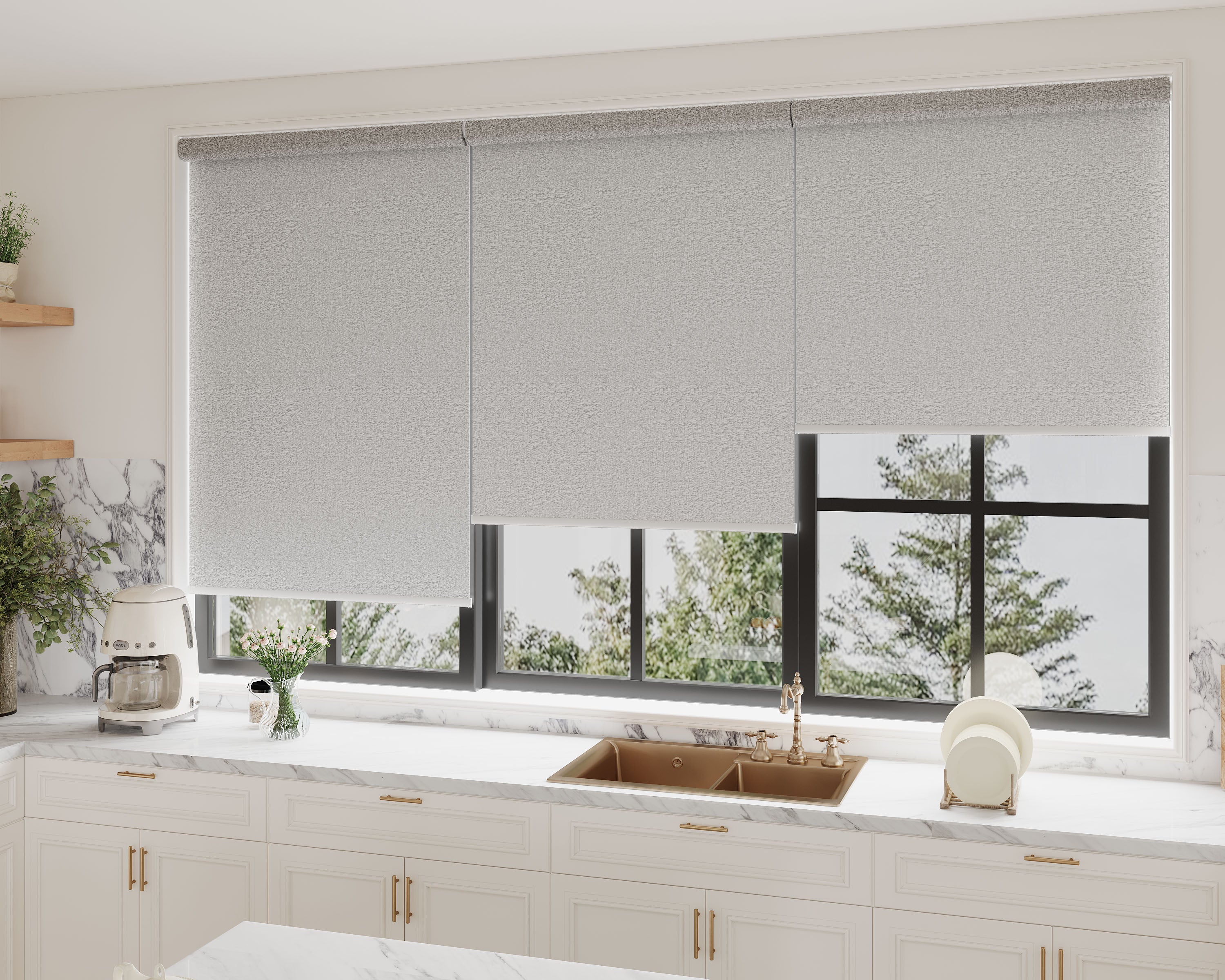



A compatible smart shade is a specific fabric-and-lift configuration connected through a supported control system. Do not choose it solely because a product title says cordless, motorized, Wi-Fi, Zigbee or Matter. Those labels leave important purchasing questions unanswered.
Start with motorized shade configurations, then use this checklist to record exactly what will connect to your home. The shade-family comparison addresses roller, zebra and cellular construction; this guide focuses on compatibility rather than repeating a product ranking.
Record the existing home system
Write down the exact platform, hub/controller model and network components you intend to use. Include what you already own and what may need to be purchased. A platform name by itself is less useful than the actual device and required feature.
List the actions you want: raise/lower, stop at a position, adjust bands, operate two rails, group several shades or run a schedule. Different constructions can expose different supported actions. Ask about those actions directly rather than assuming all shades behave like one simple switch.
Confirm the purchase configuration
| Check | Information to obtain |
|---|---|
| Product | Exact model, fabric, dimensions and offered motorized lift. |
| Motor | Current identifier, power source and required controls. |
| Connection | The actual radio/transport and required bridge, controller or other network component. |
| Platform | Explicit support for the intended hub/platform and required actions. |
| Included items | Remote, bridge, charger, power supply and mounting accessories. |
| Local operation | How the covering operates if the app, network or hub is unavailable. |
| Support | Correct commissioning instructions and who handles configuration questions. |
A quote for a manual cordless fabric is not a quote for the motorized system. Keep the selected lift and accessories in the written order specification.
Protocol names do not answer every question
A Wi-Fi description may involve a separate bridge rather than a direct connection from every shade. A Zigbee motor still needs the relevant hub and device support. A Matter-based product can have controller and transport requirements that must match the intended setup.
Ask the seller to identify the exact supported combination. Do not assume a generic hub is compatible because it uses the same protocol, or that a voice assistant exposes every movement or preset. Avoid inventing pairing/reset timings from a different motor.
Check the movements that matter
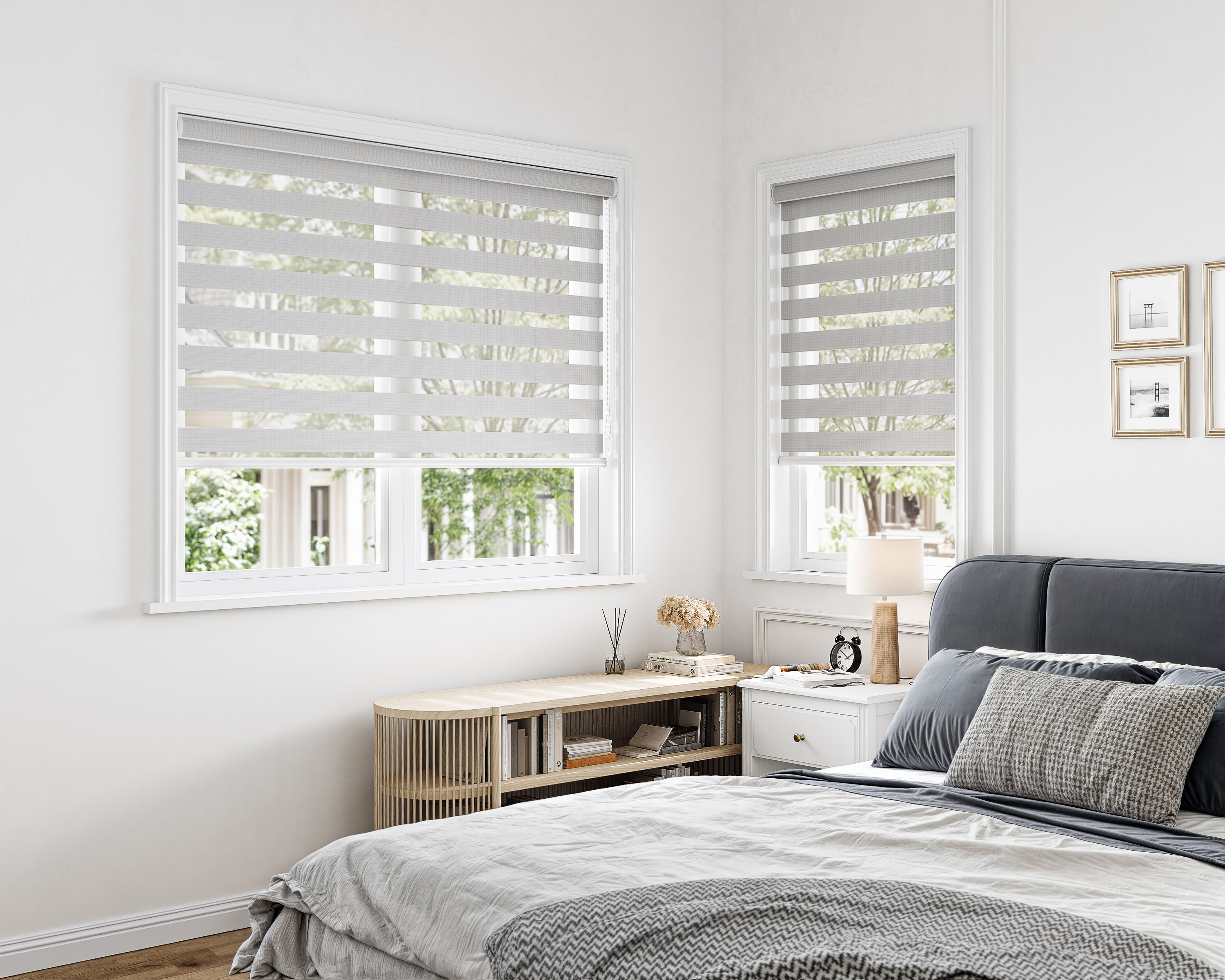
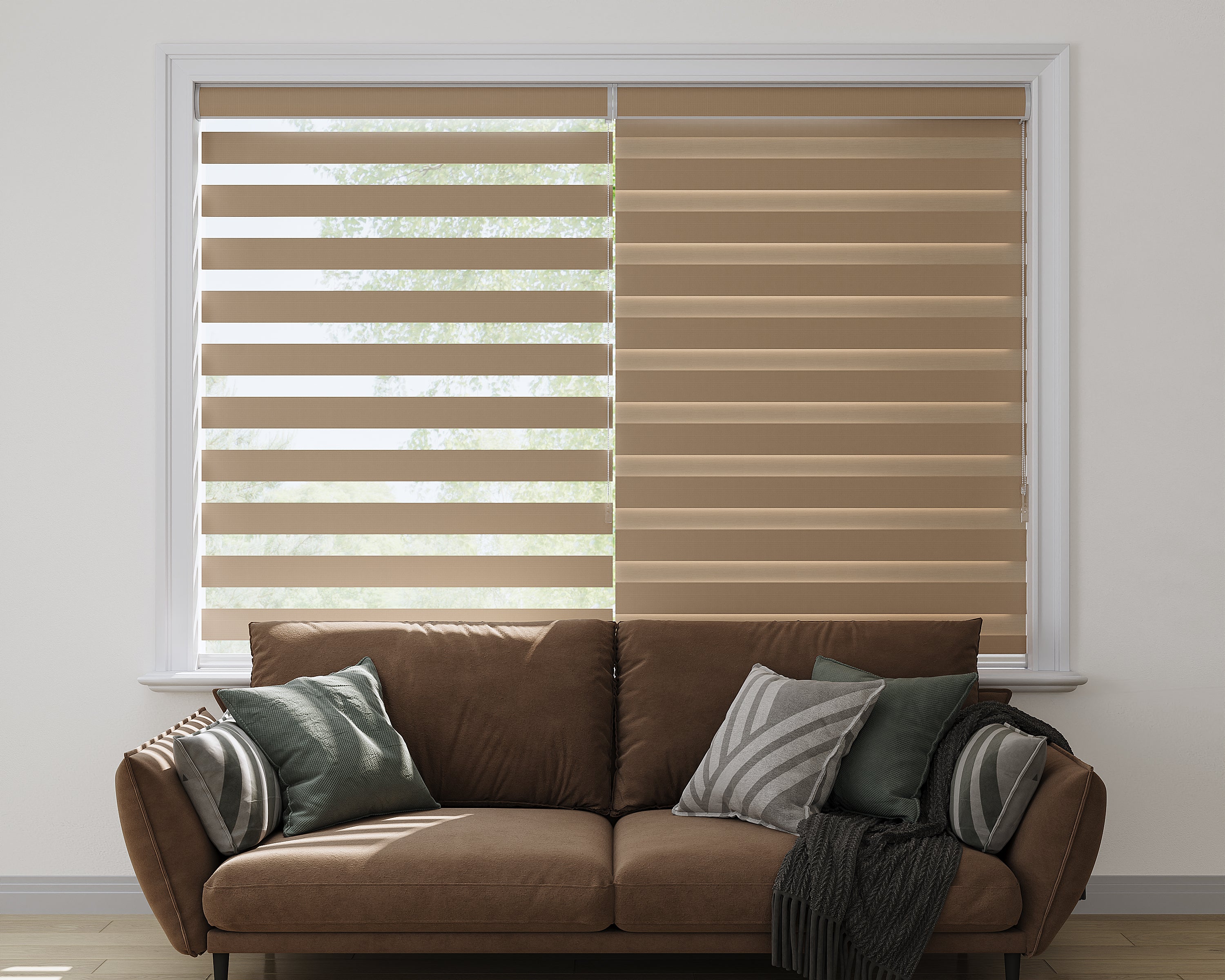
For a room-darkening zebra model, confirm how the controller handles band alignment and height. If a stored setting matters, ask whether the selected system supports that result.
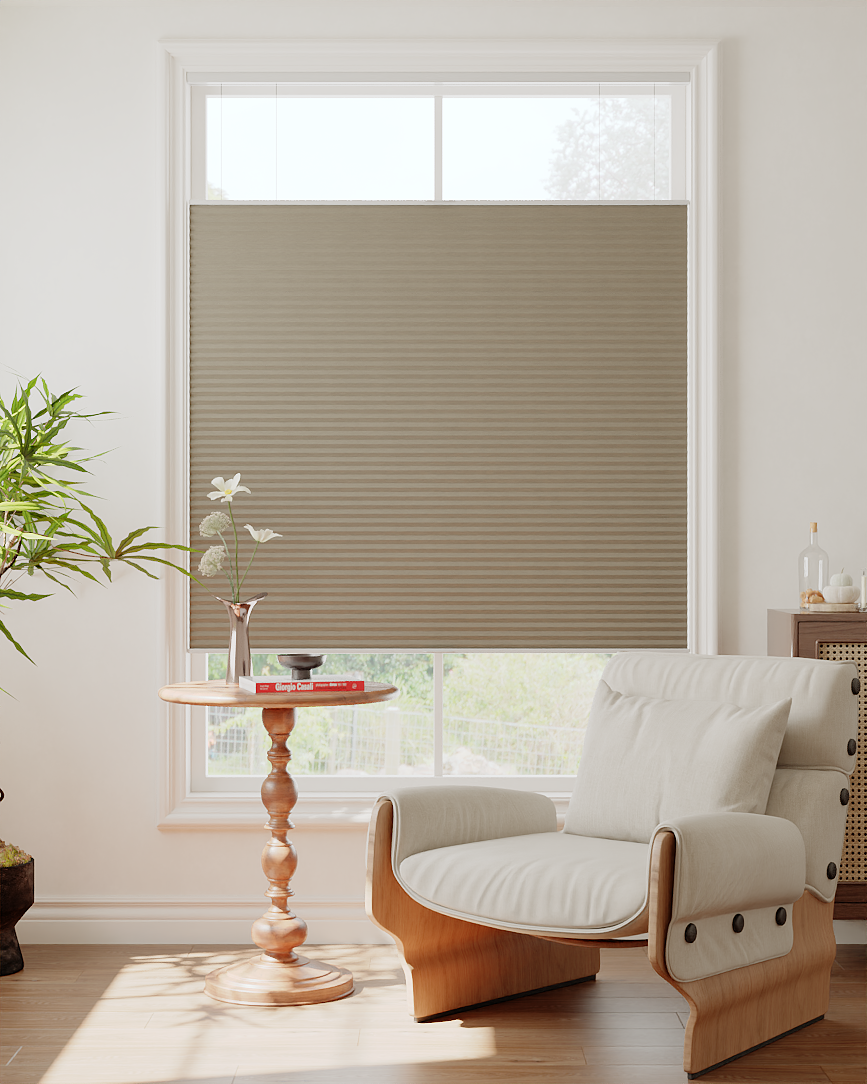
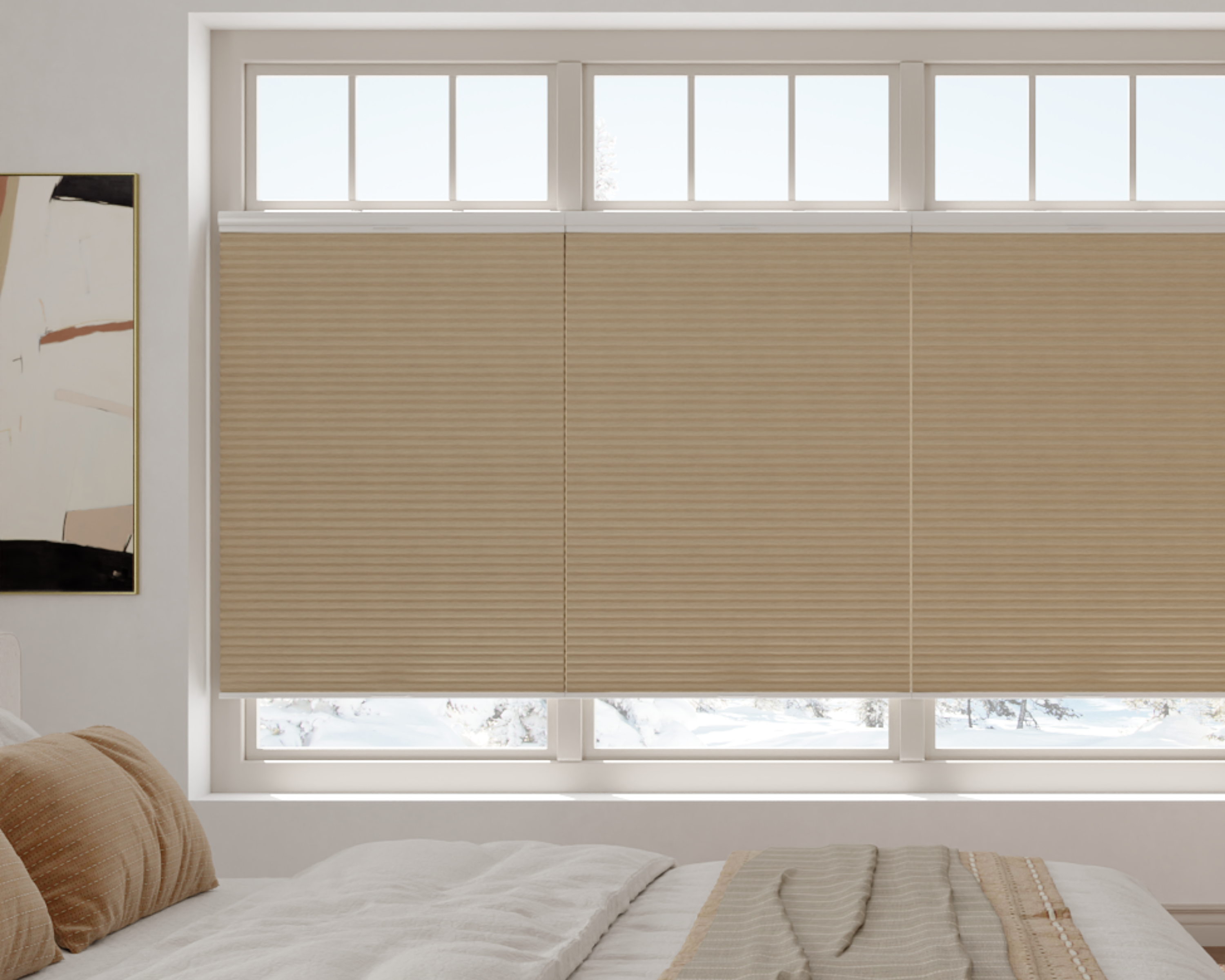
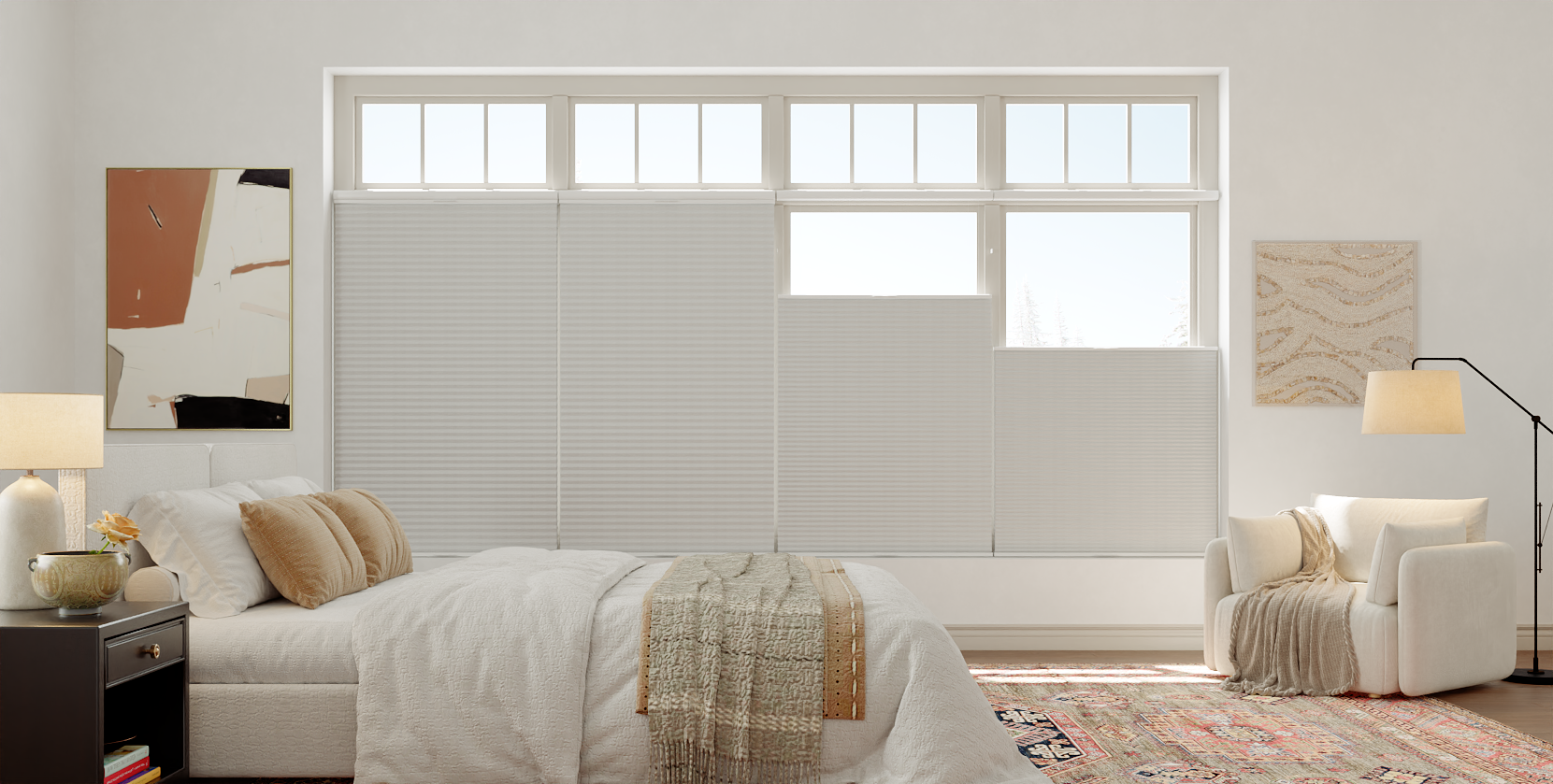
For a top-down-bottom-up cellular option, confirm which rail movements the selected motor/controller can perform. A single raise/lower command may not express the privacy arrangement you intend.
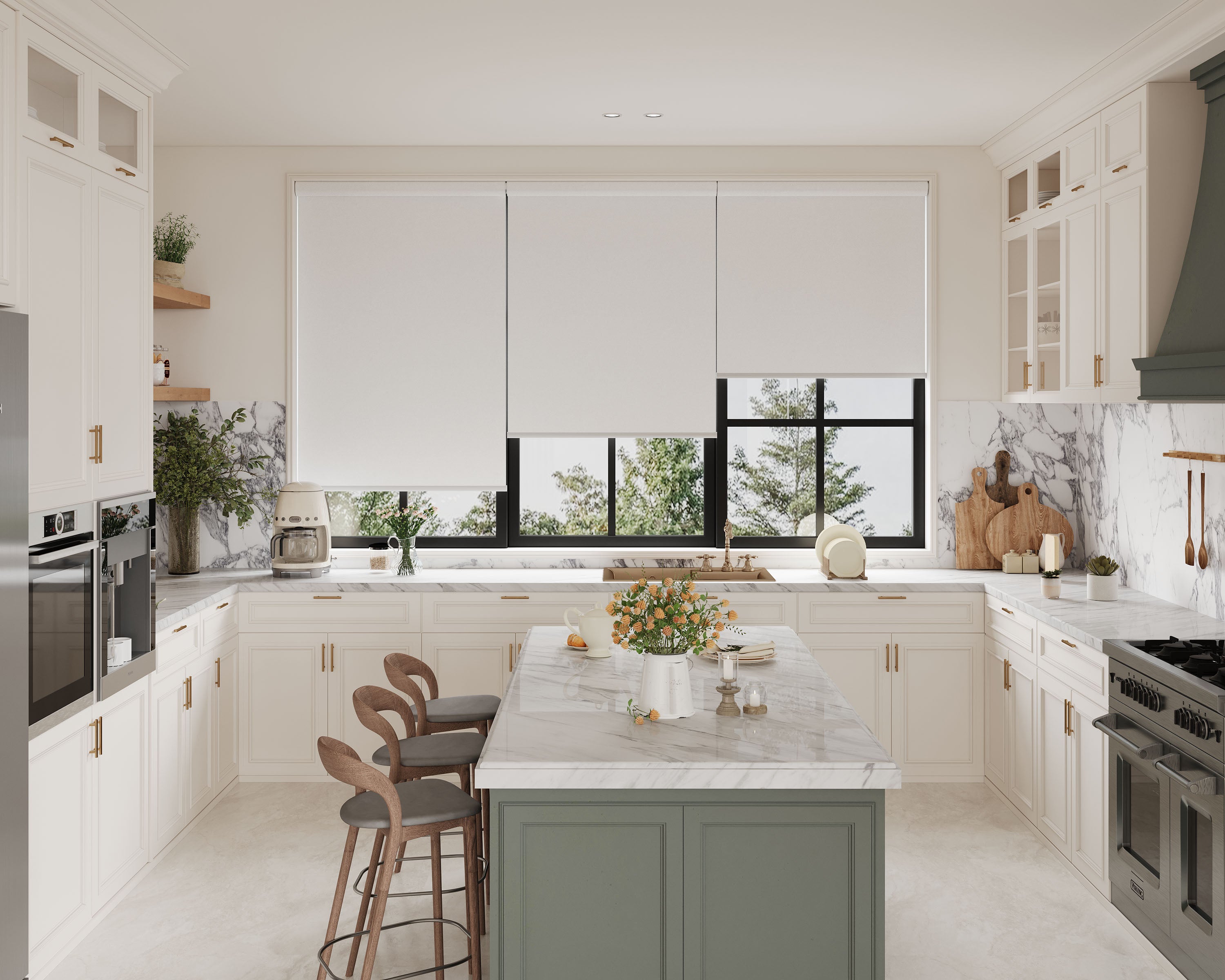
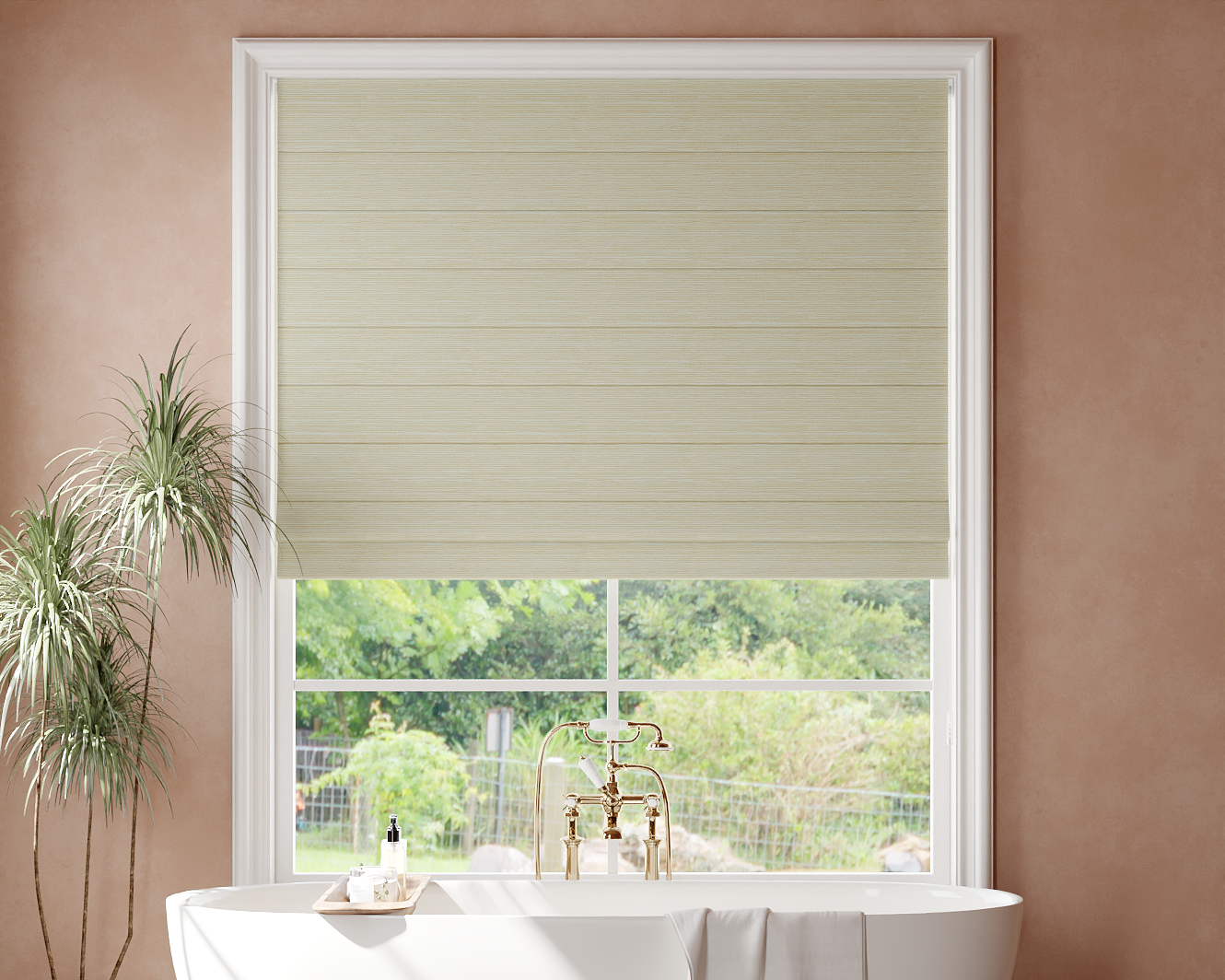
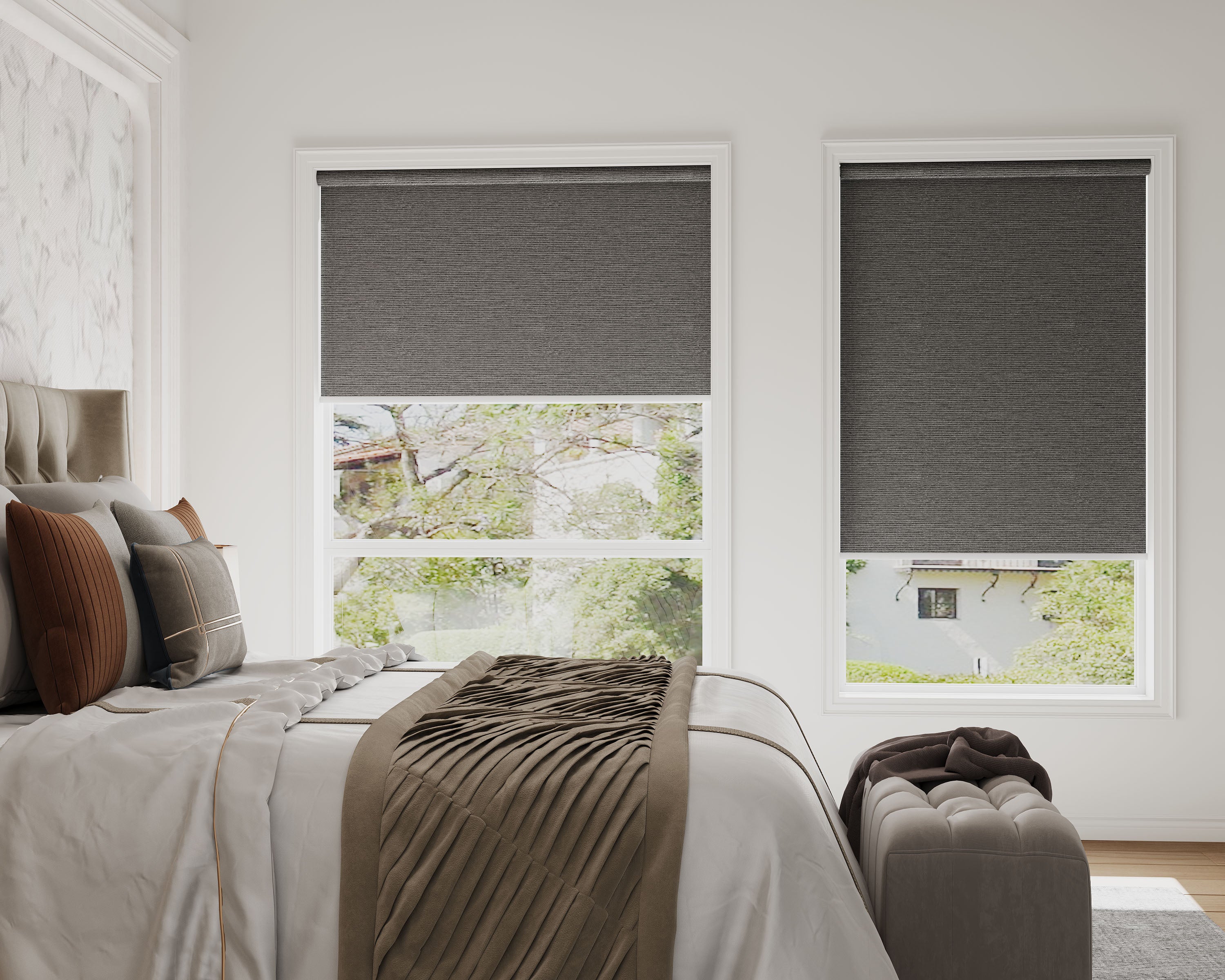
For an ordinary light-filtering roller, resolve opacity and nighttime privacy separately from its controls. An integration does not make a translucent fabric opaque.
Plan power before the order
Locate the charging point or supported power arrangement. Consider how you will access it safely after furniture is installed. A high window can be easy to operate by remote yet inconvenient to recharge.
Hardwired systems require suitable electrical planning and qualified support. Do not assume a solar accessory, charger or existing power supply is compatible without confirmation for the exact motor. Battery life and remote range vary by system and use; a generic number is not a dependable specification.
Confirm environmental and safety requirements
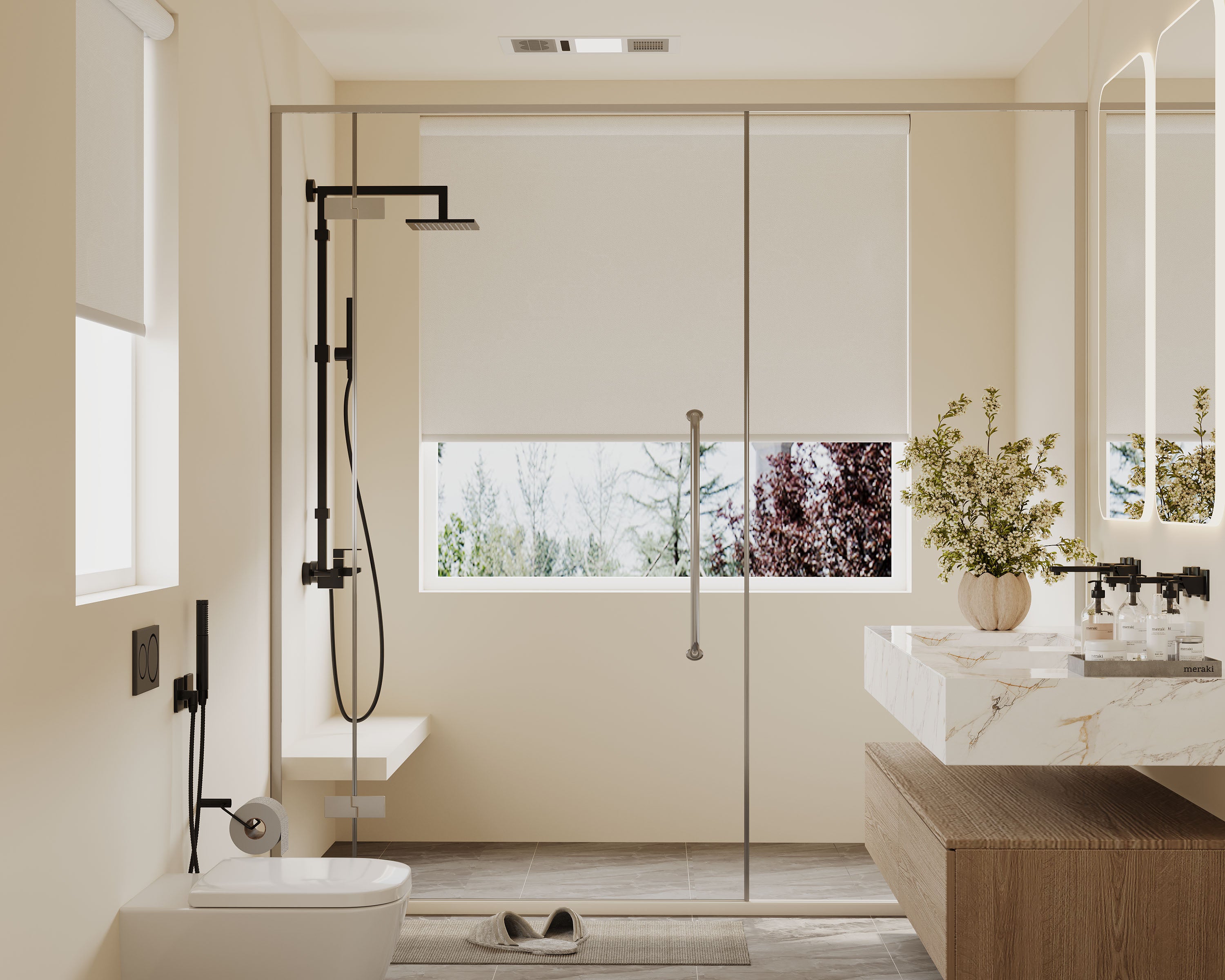
For a damp room, the standard waterproof blackout roller is a material option to compare within its permitted exposure. Its waterproof fabric does not establish that motor, headrail, charger or complete installation tolerates direct spray.
Follow the selected product's installation and safety instructions. In homes where young children live or visit, use CPSC's cordless guidance when choosing the actual operating system. Automation does not remove every installation or window-related hazard.
Verify one working configuration
Where practical, confirm the selected setup on a representative window before expanding. Check local operation, the needed movements, grouped use and any schedules you plan. Observe what happens when a routine is disabled or the network is unavailable, using the system's approved instructions.
Keep the exact configuration and support information with the order record. Each additional opening still needs dimensions, supported limits, power access and appropriate fabric checked.
Before you place the order
Ask for written confirmation of the chosen product/motor/controller combination and the required accessories. Compare the complete price and available configuration rather than relying on an entry price or a general smart-home label.
Use the motorized collection with that specification in hand. Compatibility is easier to assess when the desired actions and actual components are explicit.
Frequently asked questions
Does Matter mean no controller is required?
Do not assume so. Confirm the specific transport, compatible controller and any other network requirements of the offered motor.
Are manual cordless shades smart-ready?
Not automatically. Verify that a motorized configuration is offered; a later retrofit is a separate compatibility question.
Can a compatible system still lack a feature I want?
Yes. Confirm the required movement, grouping or preset rather than assuming basic platform support includes every action.
