







Choose between Matter over Thread and Zigbee shade motors by identifying the control system you want to use and the exact motor configuration offered for your shade. A protocol name alone does not establish which remote, gateway, app commands or accessories you will receive.
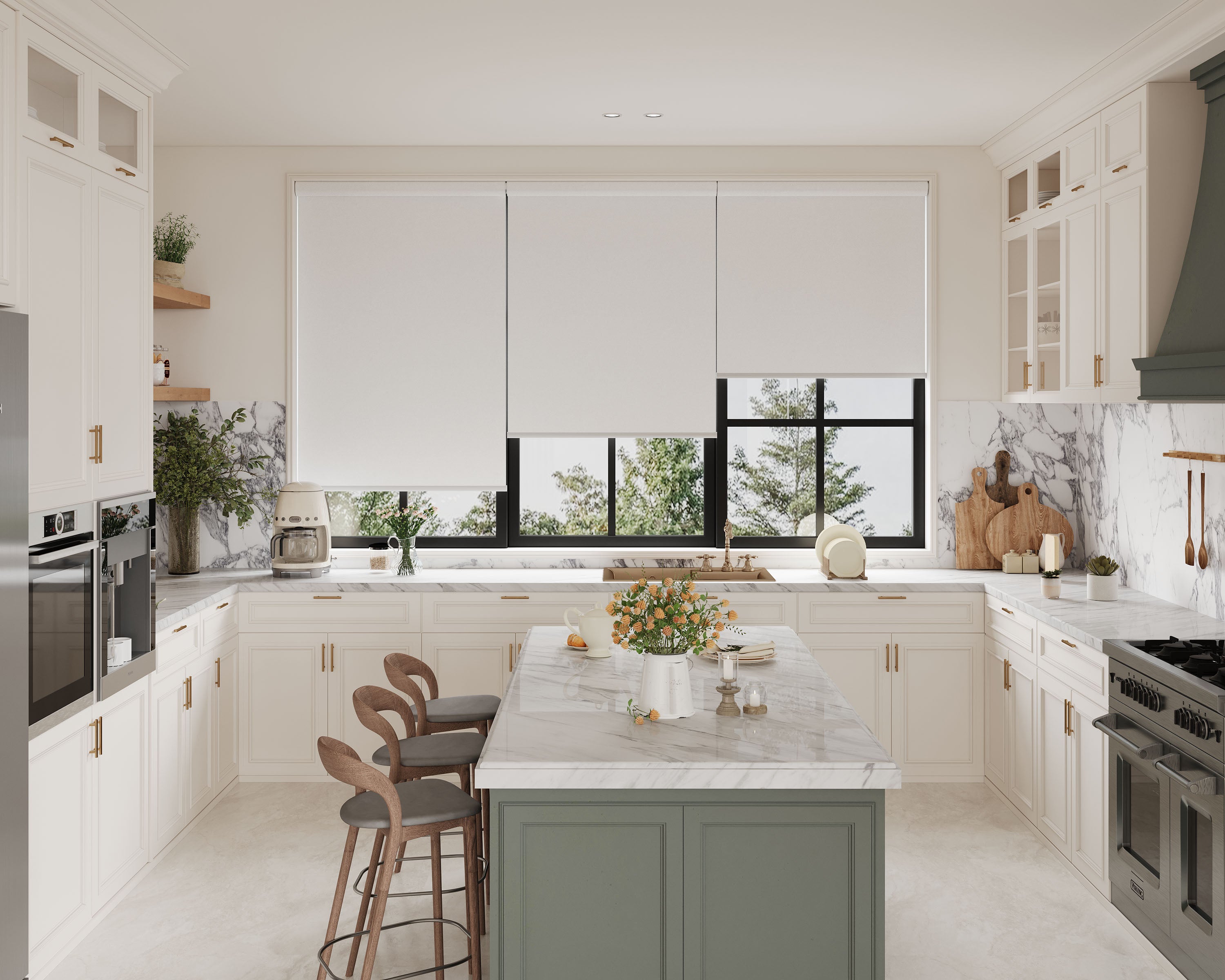
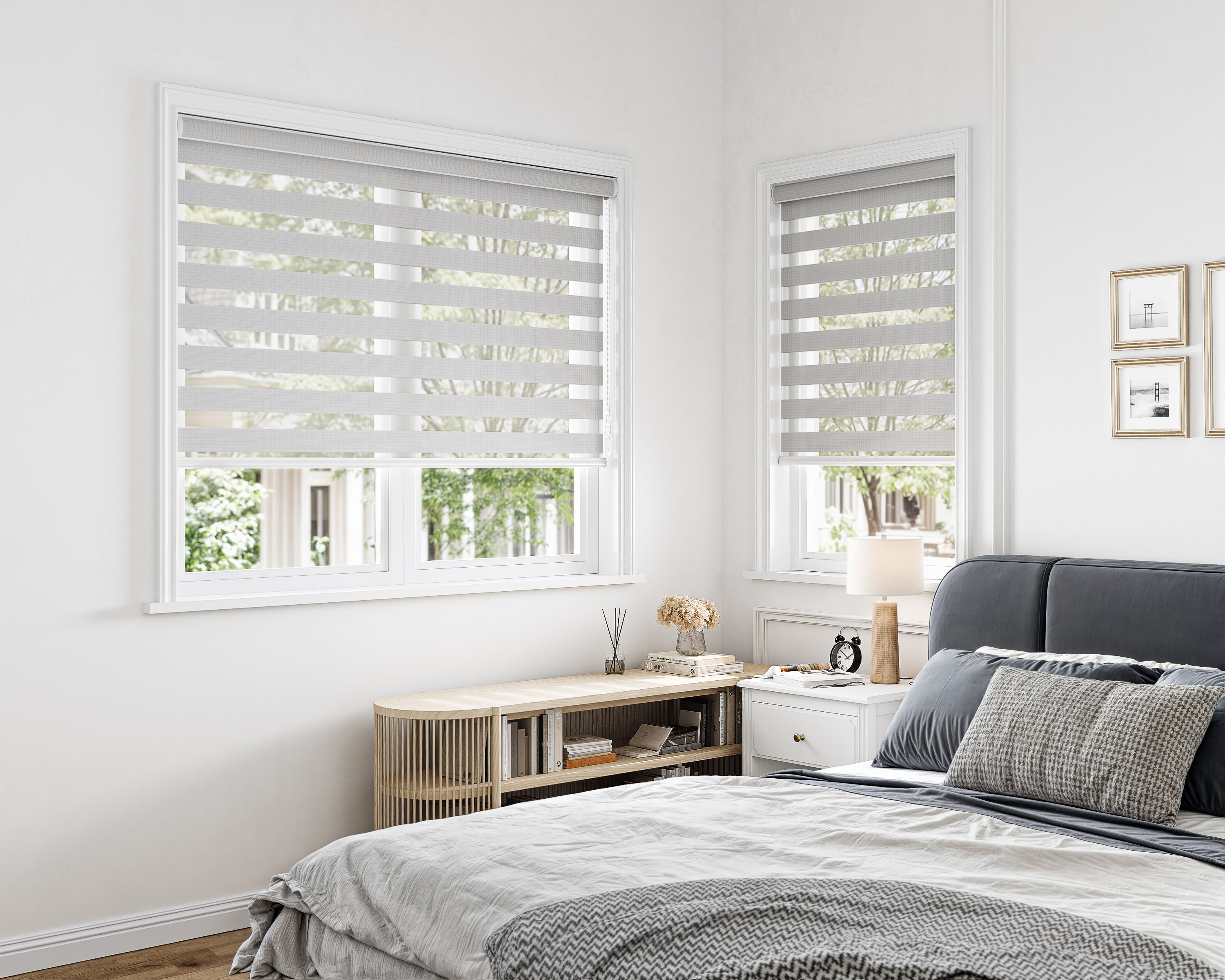
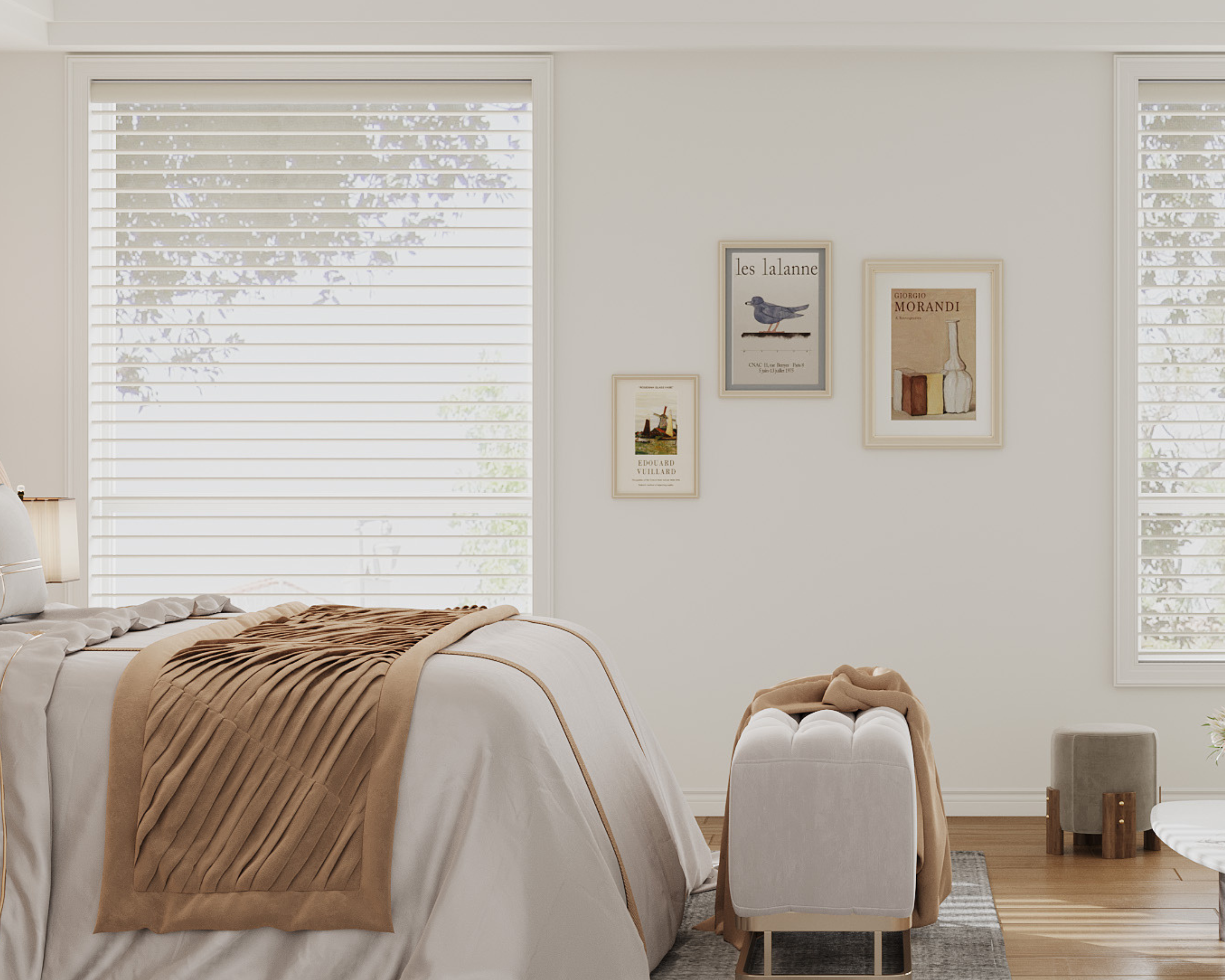
SenseBlinds lists optional Zigbee and Matter over Thread motors on selected roller, solar, zebra and sheer products. Cellular products have their own control arrangements. Begin with the motorized roller-shade buying guide, then use this comparison to assemble one complete control path. Smart motors are selected configurations; do not assume they are included in a product's starting price.
Start with the system you already own
Write down the model numbers of existing hubs, speakers, border routers and remotes. “I have Alexa” or “I use Apple Home” is only the starting point. Devices sold under the same brand can provide different radio and controller functions. Ask which existing component supplies each required role before buying another.
For Google Home, Google's current Matter preparation guide distinguishes compatible hub capabilities. A Matter over Thread shade also needs a supported Thread path. A compatible device may perform more than one role, so the number of boxes cannot be inferred from the number of roles.
For Apple Home, avoid blanket claims that every local Matter interaction requires a home hub. Apple documents newer iPhone local-control exceptions, including Thread-enabled iPhones with suitable software and accessory support. Plan remote access and automations separately against current Apple requirements. A phone exception is not evidence that every shade configuration supports every feature without additional equipment.
Compare the components and the questions they answer
| Decision | Matter over Thread option | Zigbee option |
|---|---|---|
| Motor selection | Confirm the offered Matter over Thread motor and shade family | Confirm the offered Zigbee motor and shade family |
| Connection equipment | Identify the chosen platform's Matter controller and Thread requirements | Obtain the seller-approved gateway model for that motor |
| First app | Use the supported platform's current commissioning flow | Use the compatible gateway/app and its supported sub-device flow |
| Voice and routines | Verify exposed shade actions in the intended platform | Verify the gateway's actual integration and exposed shade actions |
| Other apps | Check supported Matter sharing and each app's features | Check the specific gateway integration; do not infer universal sharing |
| Everyday fallback | Confirm a compatible remote or other approved local control | Confirm a compatible remote or other approved local control |
These are purchase checks rather than a tested motor-to-hub compatibility matrix. SenseBlinds' current roller listings specify a compatible Tuya Zigbee hub for the Zigbee option. The Tuya gateway documentation describes a gateway/sub-device arrangement, but it does not approve every Tuya-branded gateway for an unidentified shade motor.
Choose according to the commands you need
Make a short acceptance list before selecting the protocol. Common requirements are open, close, stop and a chosen intermediate position. Two-rail or dual-fabric shades add a separate question: which rail movements does the particular motor arrangement expose in each app? Do not translate a generic “position control” statement into independent control of two rails.
For example, a household that already uses a supported Tuya gateway may prefer an approved Zigbee configuration if that combination provides all needed actions. A household intending to manage a shade through more than one Matter platform may investigate the offered Matter motor and each platform's sharing support. Neither example establishes that one protocol is faster, quieter, longer-lasting or cheaper for your order.
After the first shade is installed, verify commands at the window before expanding to a whole room. Record what happens physically when the app shows open, closed and a middle position. Note which actions appear, rather than treating an app icon as proof that all features work. Keep the motor's supplied limits and calibration instructions; do not use another brand's button sequence.
Separate maintenance, power and connectivity
Power and protocol are different choices. Ask about the selected motor's battery or supply, charging port, approved charger and access after installation. A protocol label does not predict charging frequency. A high window can make a convenient app-controlled shade inconvenient to service if its port becomes inaccessible.
Also list what each household member needs during an internet interruption. A nearby remote, local app action, voice request and away-from-home command may have different dependencies. Test those functions under supported conditions after setup, restoring the network promptly and keeping records. Do not disconnect or reset equipment that other essential devices depend on just to test a shade.
Keep support information with the order: motor identifier, gateway/controller model, firmware, app version, compatible remote and supplier instructions. For cellular shades, obtain the cellular-specific remote and hub details. Do not reuse a roller-family remote or assume one gateway covers both systems.
Confirm the complete accessory price before ordering
Compare two written configurations for the same window and fabric. Include the motor upgrade, remote, approved gateway or controller if needed, Thread equipment if needed, power accessories and installation requirements. Mark each item as included, optional, already owned or still to be confirmed. Leave uncertain prices blank until quoted.
Browse the current Matter over Thread shade configurations or Zigbee motorized shade configurations, then request confirmation for the exact motor and system you intend to use. A complete supported route is the useful comparison—not a protocol logo by itself.
